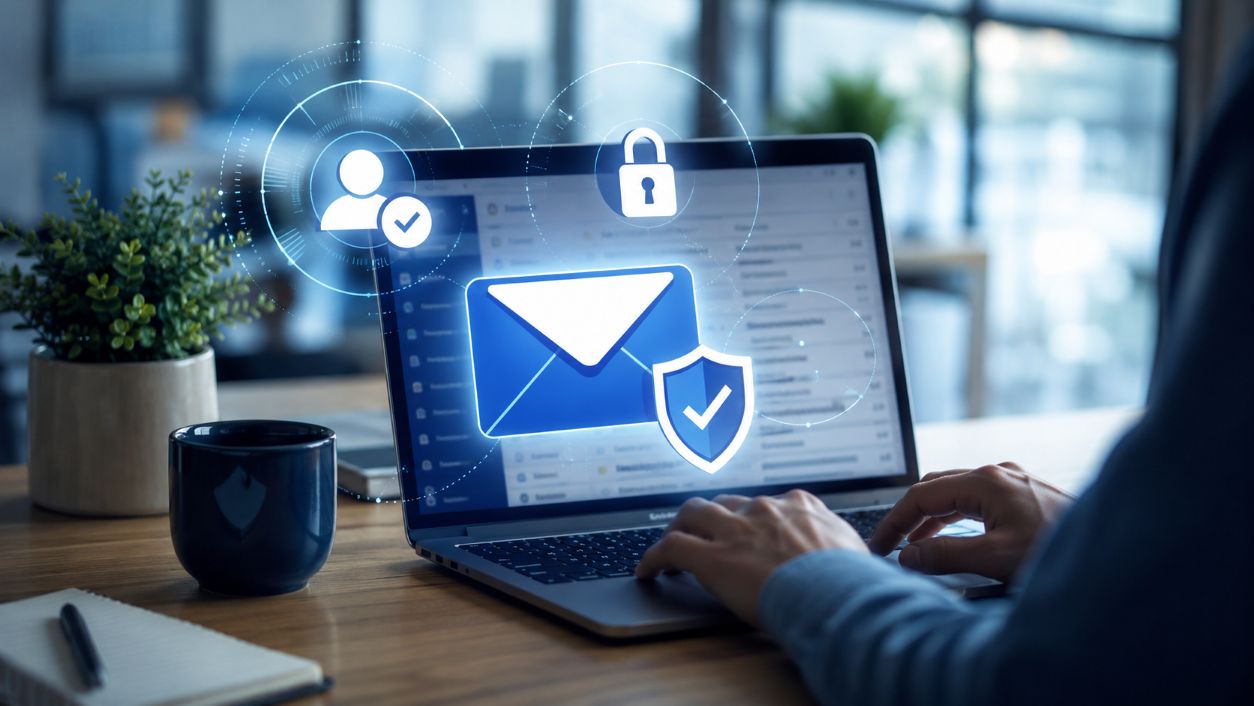
Microsoft has started asking for stronger email checks for large senders sending mail to Outlook.com, Hotmail.com, and Live.com inboxes, just like Google and Yahoo.
For small business owners, this may sound like a technical email rule. In simple terms, this means that email providers want to see proof that messages saying they are from your domain actually came from you.
That proof now depends heavily on three email security tools: SPF, DKIM, and DMARC.
DMARC stands for Domain-based Message Authentication, Reporting, and Conformance. It assists email systems in determining whether a message sent from your company’s domain should be trusted.
Think of it like caller ID for your business email domain.
SPF helps confirm which mail servers are allowed to send email for your domain. DKIM adds a digital signature that helps prove the message was not altered. DMARC ties those checks together and tells receiving systems what to do when something does not match.
That matters because criminals often try to send fake emails that look like they came from a real company. They may pretend to be an owner, manager, vendor, bookkeeper, or customer. Without proper authentication, your domain can be easier to impersonate.
Microsoft’s rule is mainly for people who send a lot of emails, but the key point matters for all businesses: big inbox providers are caring less for emails that aren't verified.
If your domain is missing DMARC, has a broken SPF record, or has DKIM misconfigured, your business may face two problems.
First, fake emails using your name may be harder to block. That can damage trust with customers, vendors, and employees.
Second, legitimate emails may be treated with more suspicion. In some cases, they may go to junk or be rejected.
Orlando-area businesses that use email for invoices, appointments, proposals, reminders, and customer service need to trust their email. This is not just an IT issue. It affects daily operations.
Start by asking a few simple questions:
A common issue is that a business sets up Microsoft 365 email correctly but forgets about other systems. A website contact form, newsletter tool, payment platform, or booking app may also send messages on behalf of the business. If those tools are not included in the setup, good email can fail authentication.
DMARC has different policy levels, including “none,” “quarantine,” and “reject.” A strict reject policy can help block impersonation, but it should be rolled out carefully.
Microsoft recommends a gradual approach: monitor first, identify legitimate senders, fix issues, then move toward stronger enforcement. Moving too quickly can accidentally block real business email.
Small businesses should inventory every system that sends email from their domain. That includes Microsoft 365, marketing platforms, website forms, billing tools, CRMs, help desk systems, and third-party vendors.
Then review DNS records, confirm DKIM signing is enabled, publish a DMARC record, and monitor reports for failures. If you own domains that do not send email, configure them so attackers cannot easily abuse them.


Himala and his team at Cybernetic Networks have been amazing. We have been a customer of Cybernetic Networks for well over 14 years now, both personally and professionally. Himala and his team are professional, reachable and on the cutting edge of technology. We have enjoyed doing business with Cybernetic Networks for many years and still rely on their knowledge, skills and technology every day
Himala and his Cybernetic team have never let me down! For over 10 years now they have been fixing my technical issues, set up all my new networks and computers and have safeguarded me from any hackers or malware. You can trust this company to navigate you as your company grows and to keep you on track with the latest in security and safety
I am a solo practicing neurologist and have had all my IT needs covered through Cybernetic Networks since 2007. They are the best! All of their tech support staff is extremely knowledgeable and efficient. Just as importantly, they are quickly responsive whenever we need their assistance. I couldn’t be happier with their service and give them my highest recommendation!
I couldn't be happier with Cybernetics - they are experts, always respond quickly , and solves any issues I have.
Cybernetic Networks has been advising and supporting all our IT issues and purchases for the last 18 years. They are very responsive and extremely knowledgeable- always providing us with timely services.
It is not often you find small business companies that are not only rewarding to work with, but also have integrity, truth and skill. I have worked with this company for over 20 years, and the service is outstanding. I can easily recommend that if you need an IT company, this is the one to get. Full STOP! Look no further, you will be happy that you did. Sue Myhelic, Gulf Breeze Real Estate, Naples, Florida.
Himala and his team from Cybernetic Networks, Inc. has been an integral part of our successful retail business for the past 20 years. He is extraordinarily knowledgable and always available for our IT needs. Thanks to Himala and his team we are always up and running.




