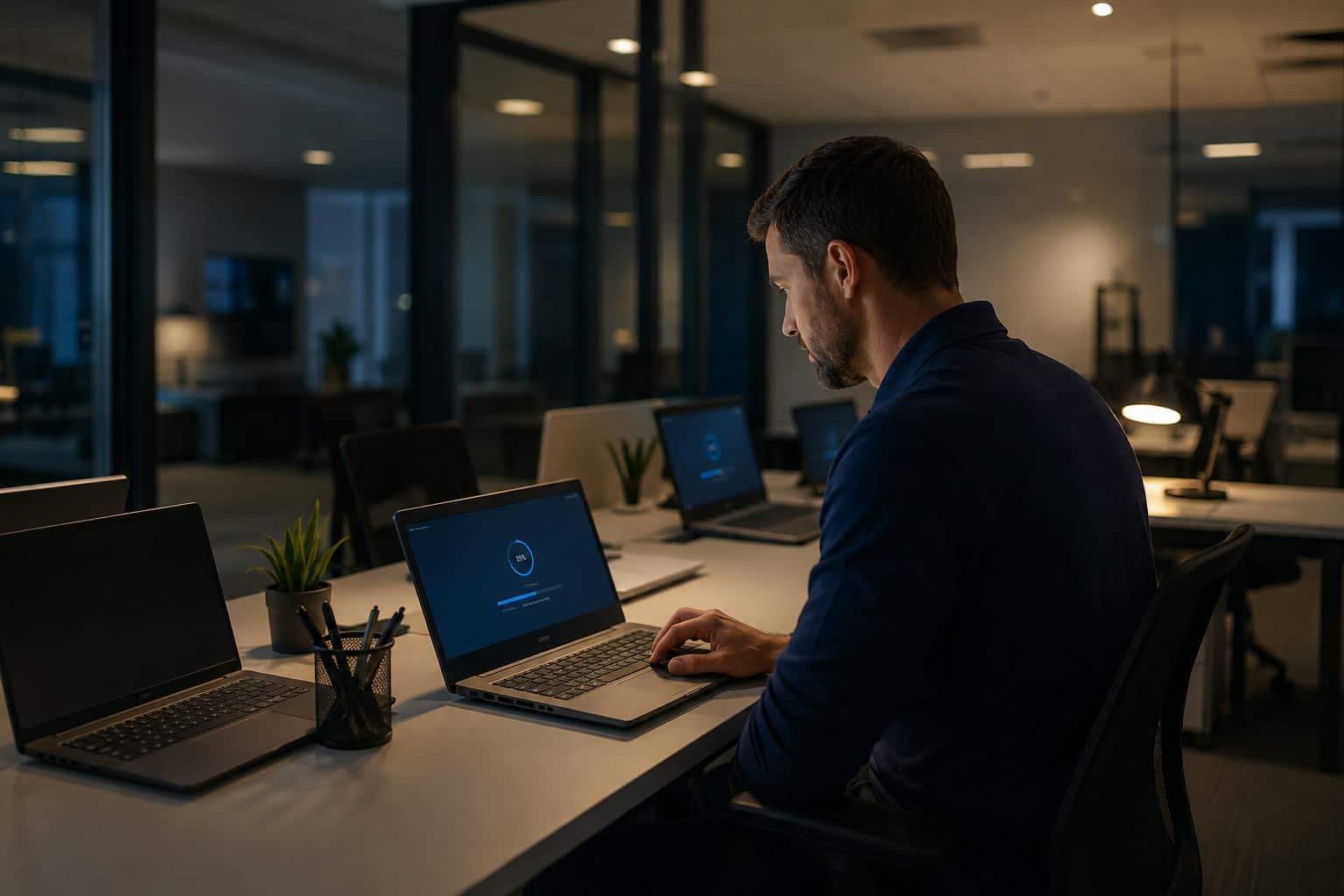
Many business owners assume device updates happen quietly in the background and take care of themselves. In a perfect world, that would be true.
In the real world, updates can fail, stall, or create side effects that nobody notices until a laptop is missing an important patch or an employee loses time dealing with a restart loop, slow performance, or a broken feature. Recent Windows 11 update issues in May 2026 are a good reminder that patching still needs visibility.
Microsoft’s own Windows release health guidance exists for a reason: businesses need a way to check known issues, confirm whether Microsoft has acknowledged a problem, and see whether a fix or mitigation is available before wasting time troubleshooting in circles.
If a business has five, ten, or twenty devices, it is easy to assume updates are too small to manage formally. But that is often the exact point where trouble starts.
When updates fail on even a few machines, small businesses can end up with:
For many Orlando-area small businesses, that turns into the same familiar pattern: one slow laptop, one machine that never updates properly, one employee delayed by restarts, and one owner who only hears about it after productivity has already been lost.
You do not need an enterprise-sized IT department to handle this better. You need a repeatable process.
A practical patching routine should include:
This is less about being technical and more about being organized.
A failed update is annoying. A missed security fix or a morning of lost staff time is more expensive.
That is why patching should be treated as part of business operations, not just a background setting on a laptop. When someone is actually checking update status, tracking failures, and planning replacements, small issues stay small.


Himala and his team at Cybernetic Networks have been amazing. We have been a customer of Cybernetic Networks for well over 14 years now, both personally and professionally. Himala and his team are professional, reachable and on the cutting edge of technology. We have enjoyed doing business with Cybernetic Networks for many years and still rely on their knowledge, skills and technology every day
Himala and his Cybernetic team have never let me down! For over 10 years now they have been fixing my technical issues, set up all my new networks and computers and have safeguarded me from any hackers or malware. You can trust this company to navigate you as your company grows and to keep you on track with the latest in security and safety
I am a solo practicing neurologist and have had all my IT needs covered through Cybernetic Networks since 2007. They are the best! All of their tech support staff is extremely knowledgeable and efficient. Just as importantly, they are quickly responsive whenever we need their assistance. I couldn’t be happier with their service and give them my highest recommendation!
I couldn't be happier with Cybernetics - they are experts, always respond quickly , and solves any issues I have.
Cybernetic Networks has been advising and supporting all our IT issues and purchases for the last 18 years. They are very responsive and extremely knowledgeable- always providing us with timely services.
It is not often you find small business companies that are not only rewarding to work with, but also have integrity, truth and skill. I have worked with this company for over 20 years, and the service is outstanding. I can easily recommend that if you need an IT company, this is the one to get. Full STOP! Look no further, you will be happy that you did. Sue Myhelic, Gulf Breeze Real Estate, Naples, Florida.
Himala and his team from Cybernetic Networks, Inc. has been an integral part of our successful retail business for the past 20 years. He is extraordinarily knowledgable and always available for our IT needs. Thanks to Himala and his team we are always up and running.




