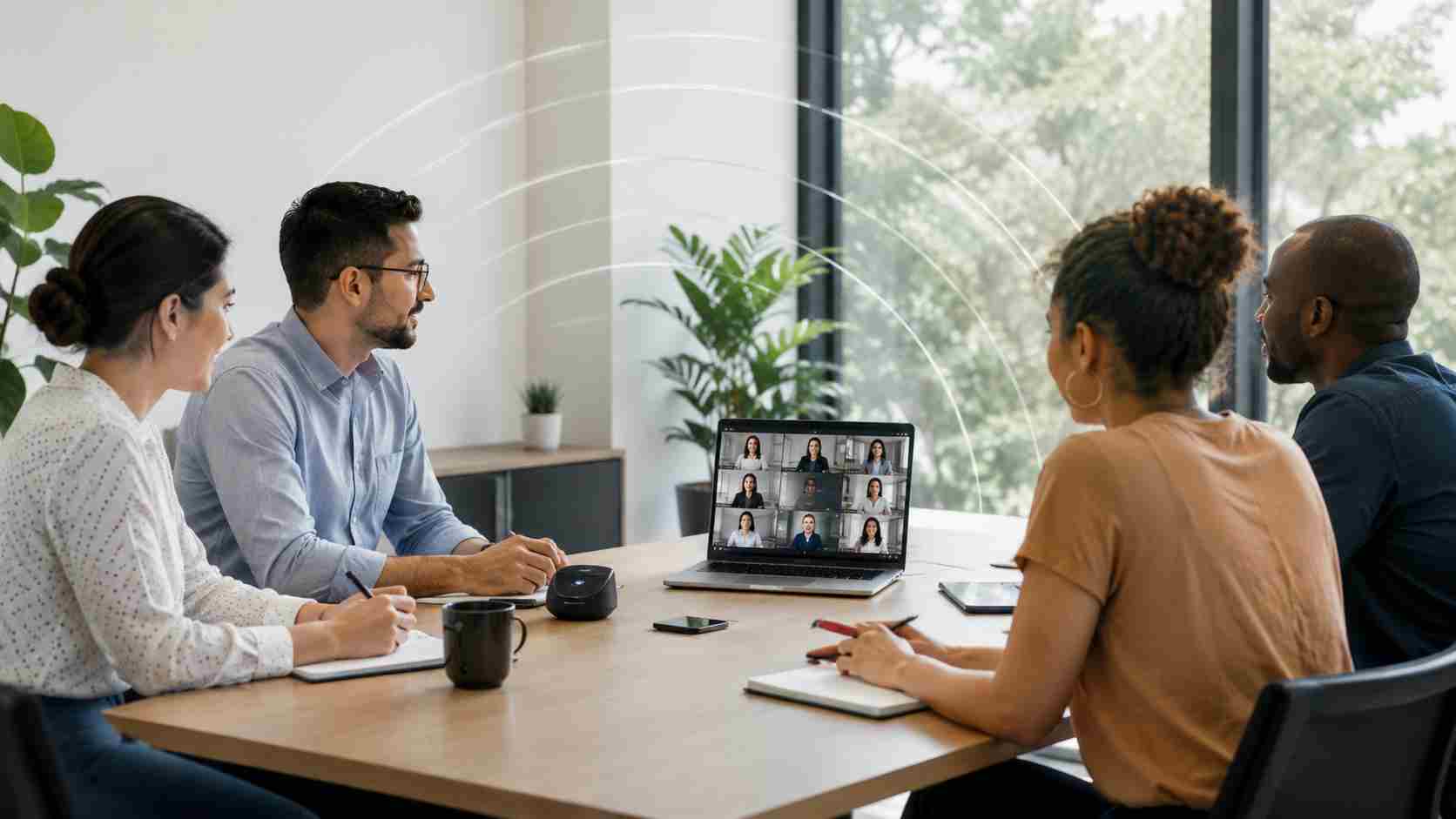
Few office problems are more frustrating than a video call that freezes right when a customer, vendor, or team member needs a clear answer.
The confusing part is that a speed test may say your internet is fast. So why does the call still lag, freeze, echo, or drop?
The answer is that video calls need more than raw speed. They need a steady connection. If your office Wi-Fi is crowded, your router is old, your access point is in the wrong place, or your device is struggling, video meetings can suffer even when your internet plan looks strong on paper.
Video calls are sensitive because audio and video have to arrive on time. A file download can pause for a moment and recover. A live meeting cannot hide delays as easily.
Common causes include:
Microsoft’s own Teams guidance points out that poor video quality can come from the network, the computer’s performance, or insufficient hardware resources. That is why guessing is rarely the best fix.
For small businesses, unreliable calls are not just annoying. They can affect sales conversations, customer service, hiring interviews, vendor coordination, remote work, and internal decisions.
A frozen call can make the business look less prepared than it really is. It can also waste staff time as people restart meetings, move rooms, switch devices, or call someone else to troubleshoot.
The real cost is repeated interruption. Five minutes here and ten minutes there can quietly drain productivity across the whole team.
Before replacing everything, start with a practical checkup.
Look at where the problem happens. If calls freeze in one room but not another, you may have a Wi-Fi coverage issue. If the problem happens only to one employee, the laptop or adapter may be the issue. If everyone has trouble at the same time, the network, internet service, or firewall may need review.
Helpful first steps include:
Newer Wi-Fi standards such as Wi-Fi 6E and Wi-Fi 7 can help in the right environment, especially as offices use more cloud apps, video meetings, mobile devices, and connected equipment. But a new router alone may not solve the problem if the office layout, cabling, firewall, or device setup is the real bottleneck.
The best results usually come from designing Wi-Fi around how the business actually works: where staff sit, where meetings happen, where customers wait, where payment systems run, and which devices need priority.


Himala and his team at Cybernetic Networks have been amazing. We have been a customer of Cybernetic Networks for well over 14 years now, both personally and professionally. Himala and his team are professional, reachable and on the cutting edge of technology. We have enjoyed doing business with Cybernetic Networks for many years and still rely on their knowledge, skills and technology every day
Himala and his Cybernetic team have never let me down! For over 10 years now they have been fixing my technical issues, set up all my new networks and computers and have safeguarded me from any hackers or malware. You can trust this company to navigate you as your company grows and to keep you on track with the latest in security and safety
I am a solo practicing neurologist and have had all my IT needs covered through Cybernetic Networks since 2007. They are the best! All of their tech support staff is extremely knowledgeable and efficient. Just as importantly, they are quickly responsive whenever we need their assistance. I couldn’t be happier with their service and give them my highest recommendation!
I couldn't be happier with Cybernetics - they are experts, always respond quickly , and solves any issues I have.
Cybernetic Networks has been advising and supporting all our IT issues and purchases for the last 18 years. They are very responsive and extremely knowledgeable- always providing us with timely services.
It is not often you find small business companies that are not only rewarding to work with, but also have integrity, truth and skill. I have worked with this company for over 20 years, and the service is outstanding. I can easily recommend that if you need an IT company, this is the one to get. Full STOP! Look no further, you will be happy that you did. Sue Myhelic, Gulf Breeze Real Estate, Naples, Florida.
Himala and his team from Cybernetic Networks, Inc. has been an integral part of our successful retail business for the past 20 years. He is extraordinarily knowledgable and always available for our IT needs. Thanks to Himala and his team we are always up and running.




