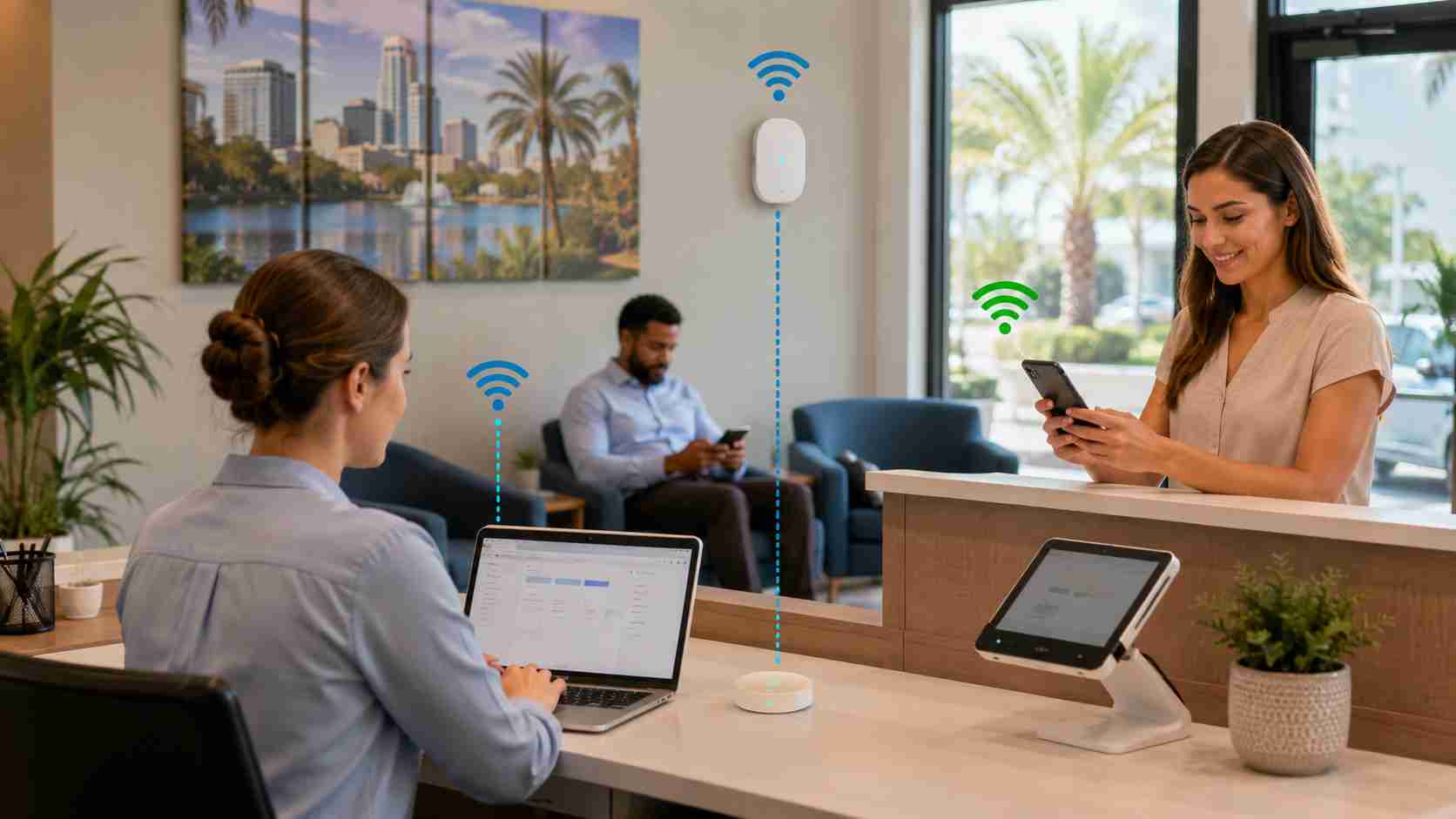
When office Wi-Fi slows down, the first instinct is usually to blame the internet provider. Sometimes that is correct. But often, the internet service is only part of the story.
The real issue may be inside the building: weak coverage, too many devices, old equipment, poor access point placement, outdated security settings, or a guest network that is not separated properly from business systems.
For a small business, unreliable Wi-Fi is more than an annoyance. It can slow down checkout, interrupt cloud apps, freeze video calls, delay file access, and frustrate staff who are just trying to get through the day.
Wi-Fi can feel inconsistent because it depends on conditions that change throughout the day.
A network may work well at 8 a.m. before everyone arrives, then slow down by mid-morning when laptops, phones, tablets, printers, payment systems, cameras, and guest devices are all connected. A conference room may work fine for one person but struggle when ten people join a video call. A front desk may have strong signal, while the back office or warehouse has weak coverage.
Common causes include:
These problems are especially common in small offices that grew gradually. A router was added here, an extender was added there, and eventually nobody is sure what is connected to what.
Poor Wi-Fi can quietly drain productivity. Employees may spend time reconnecting, restarting devices, moving around the office for signal, or switching to phone hotspots. Cloud-based apps may lag. VoIP calls may sound choppy. Printers may disappear. Payment terminals may disconnect at exactly the wrong time.
There is also a security angle. If guest devices, employee laptops, point-of-sale systems, and office computers all share the same flat network, one problem can spread more easily than it should. Public guidance from the FTC recommends keeping guest Wi-Fi separate from the business network.
Before replacing everything, start with a few practical checks:
This simple information helps separate “bad internet service” from “bad internal network design.”
Restarting the router may help for a few minutes, but it rarely fixes the root cause.
A better approach is to design the Wi-Fi around how the business actually works. That may include business-grade access points, better placement, separate networks for staff and guests, stronger password and encryption settings, and monitoring that shows when equipment is overloaded.
For newer Wi-Fi standards and modern devices, security settings also matter. WPA2 and WPA3 are the practical standards small businesses should be using today, and newer Wi-Fi environments often rely more heavily on WPA3 support.
Reliable Wi-Fi should feel boring. Employees should not have to think about it, customers should not notice it, and business systems should not randomly fall offline.


Himala and his team at Cybernetic Networks have been amazing. We have been a customer of Cybernetic Networks for well over 14 years now, both personally and professionally. Himala and his team are professional, reachable and on the cutting edge of technology. We have enjoyed doing business with Cybernetic Networks for many years and still rely on their knowledge, skills and technology every day
Himala and his Cybernetic team have never let me down! For over 10 years now they have been fixing my technical issues, set up all my new networks and computers and have safeguarded me from any hackers or malware. You can trust this company to navigate you as your company grows and to keep you on track with the latest in security and safety
I am a solo practicing neurologist and have had all my IT needs covered through Cybernetic Networks since 2007. They are the best! All of their tech support staff is extremely knowledgeable and efficient. Just as importantly, they are quickly responsive whenever we need their assistance. I couldn’t be happier with their service and give them my highest recommendation!
I couldn't be happier with Cybernetics - they are experts, always respond quickly , and solves any issues I have.
Cybernetic Networks has been advising and supporting all our IT issues and purchases for the last 18 years. They are very responsive and extremely knowledgeable- always providing us with timely services.
It is not often you find small business companies that are not only rewarding to work with, but also have integrity, truth and skill. I have worked with this company for over 20 years, and the service is outstanding. I can easily recommend that if you need an IT company, this is the one to get. Full STOP! Look no further, you will be happy that you did. Sue Myhelic, Gulf Breeze Real Estate, Naples, Florida.
Himala and his team from Cybernetic Networks, Inc. has been an integral part of our successful retail business for the past 20 years. He is extraordinarily knowledgable and always available for our IT needs. Thanks to Himala and his team we are always up and running.




