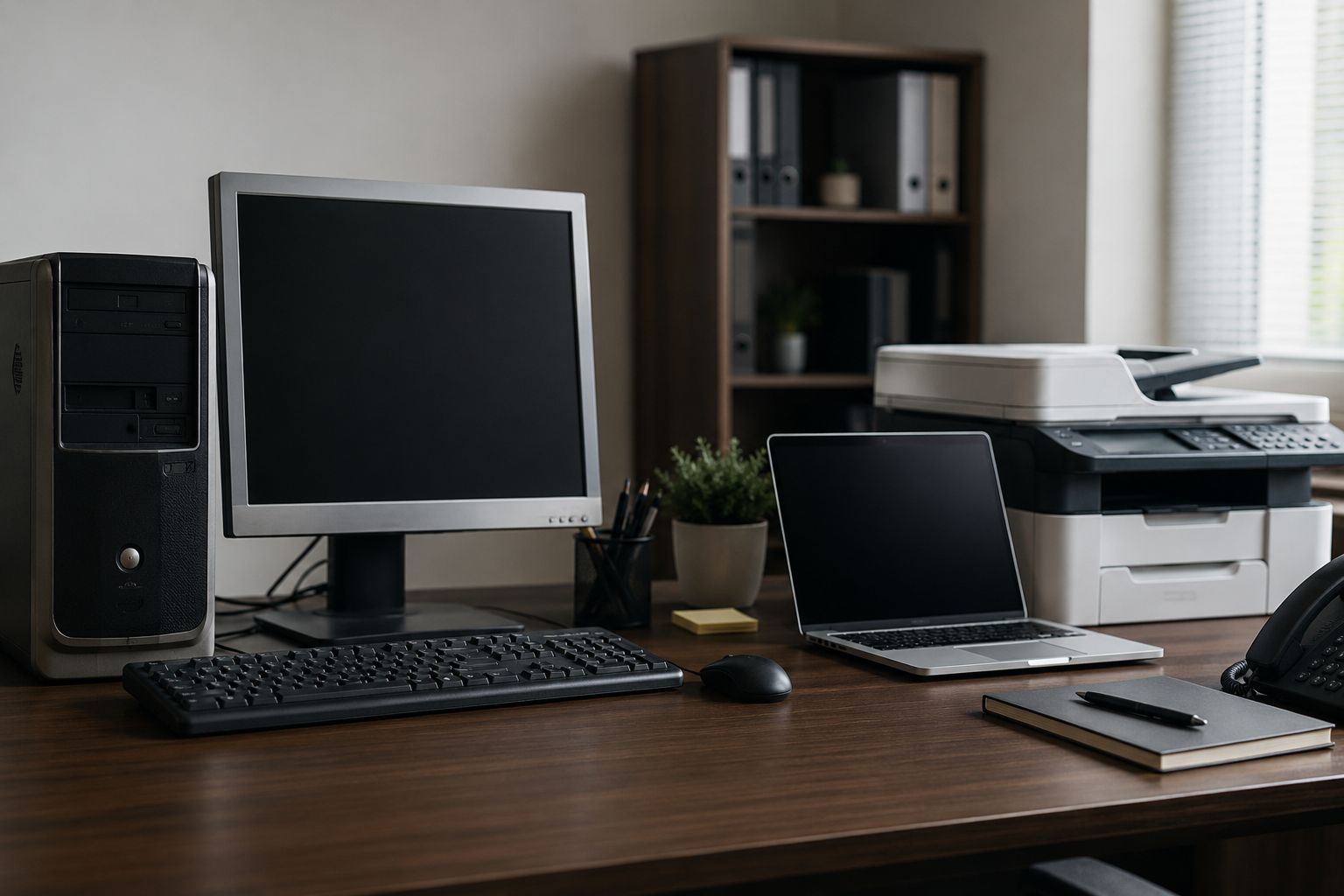
Every small business has one.
It might be a front-desk PC, a back-office machine, or the computer that still runs one important program nobody wants to touch. It still turns on, still opens files, and still seems “good enough.”
But if that machine is still running Windows 8.1, it stopped being a normal aging computer a long time ago. In Microsoft’s timeline, Windows 8.1 support ended on January 10, 2023. In 2026, that makes it a business liability.
A slow computer is annoying. An unsupported computer is something else entirely.
Microsoft no longer provides security updates or technical support for Windows 8.1, and Microsoft says it does not offer Extended Security Updates for it. Microsoft also says Microsoft 365 Apps are no longer supported on Windows 8.1.
That means a business can end up in a bad middle ground where the machine still appears usable, but the protection, support, and long-term reliability behind it are gone.
For a small business owner, this is not really about the Windows version itself. It is about what that old machine touches every day.
If a Windows 8.1 computer is used for email, accounting, customer records, scheduling, file sharing, or remote access, the business may be depending on a device that no longer has a safe support path.
That creates several practical problems:
Most legacy machines stay in service for a familiar reason: replacing them never feels urgent until something goes wrong.
That “we’ll deal with it later” approach often looks cheaper in the short term, but it usually becomes more expensive over time. When an outdated device is holding up payroll, invoicing, customer communication, or access to files, the business cost of one bad day can easily outweigh the cost of planning a replacement properly.
The good news is that this is usually manageable if you catch it before a failure or security issue forces the timeline.
Start with a simple question: do we have any PCs still running Windows 8.1, Windows 7, or other outdated systems? Many owners are surprised by what is still sitting in the office or connected to a specialized workflow.
Some old computers are low-impact. Others are tied to critical business functions. The more important the role, the more urgent the replacement plan.
Sometimes the issue is not the old computer itself. It is the one program or device attached to it. That is where an IT review helps separate “must keep” from “can migrate.”
A planned replacement gives you time to move files, test software, set up user accounts, and avoid staff disruption. An emergency replacement usually happens at the worst possible moment.
Replacing one outdated system is a good time to improve backups, tighten account security, standardize devices, and remove older software that no longer belongs in the environment.
A Windows 8.1 PC in 2026 is not just “older hardware.” It is a sign that a business may have a weak spot hiding in plain sight.
For small businesses, the real goal is not simply buying a new computer. It is making sure an outdated system does not become the reason work stops, data is exposed, or support gets harder than it needs to be. Cybernetic Networks helps businesses identify those legacy-device risks and replace them with a practical plan that keeps the office running smoothly.


Himala and his team at Cybernetic Networks have been amazing. We have been a customer of Cybernetic Networks for well over 14 years now, both personally and professionally. Himala and his team are professional, reachable and on the cutting edge of technology. We have enjoyed doing business with Cybernetic Networks for many years and still rely on their knowledge, skills and technology every day
Himala and his Cybernetic team have never let me down! For over 10 years now they have been fixing my technical issues, set up all my new networks and computers and have safeguarded me from any hackers or malware. You can trust this company to navigate you as your company grows and to keep you on track with the latest in security and safety
I am a solo practicing neurologist and have had all my IT needs covered through Cybernetic Networks since 2007. They are the best! All of their tech support staff is extremely knowledgeable and efficient. Just as importantly, they are quickly responsive whenever we need their assistance. I couldn’t be happier with their service and give them my highest recommendation!
I couldn't be happier with Cybernetics - they are experts, always respond quickly , and solves any issues I have.
Cybernetic Networks has been advising and supporting all our IT issues and purchases for the last 18 years. They are very responsive and extremely knowledgeable- always providing us with timely services.
It is not often you find small business companies that are not only rewarding to work with, but also have integrity, truth and skill. I have worked with this company for over 20 years, and the service is outstanding. I can easily recommend that if you need an IT company, this is the one to get. Full STOP! Look no further, you will be happy that you did. Sue Myhelic, Gulf Breeze Real Estate, Naples, Florida.
Himala and his team from Cybernetic Networks, Inc. has been an integral part of our successful retail business for the past 20 years. He is extraordinarily knowledgable and always available for our IT needs. Thanks to Himala and his team we are always up and running.




