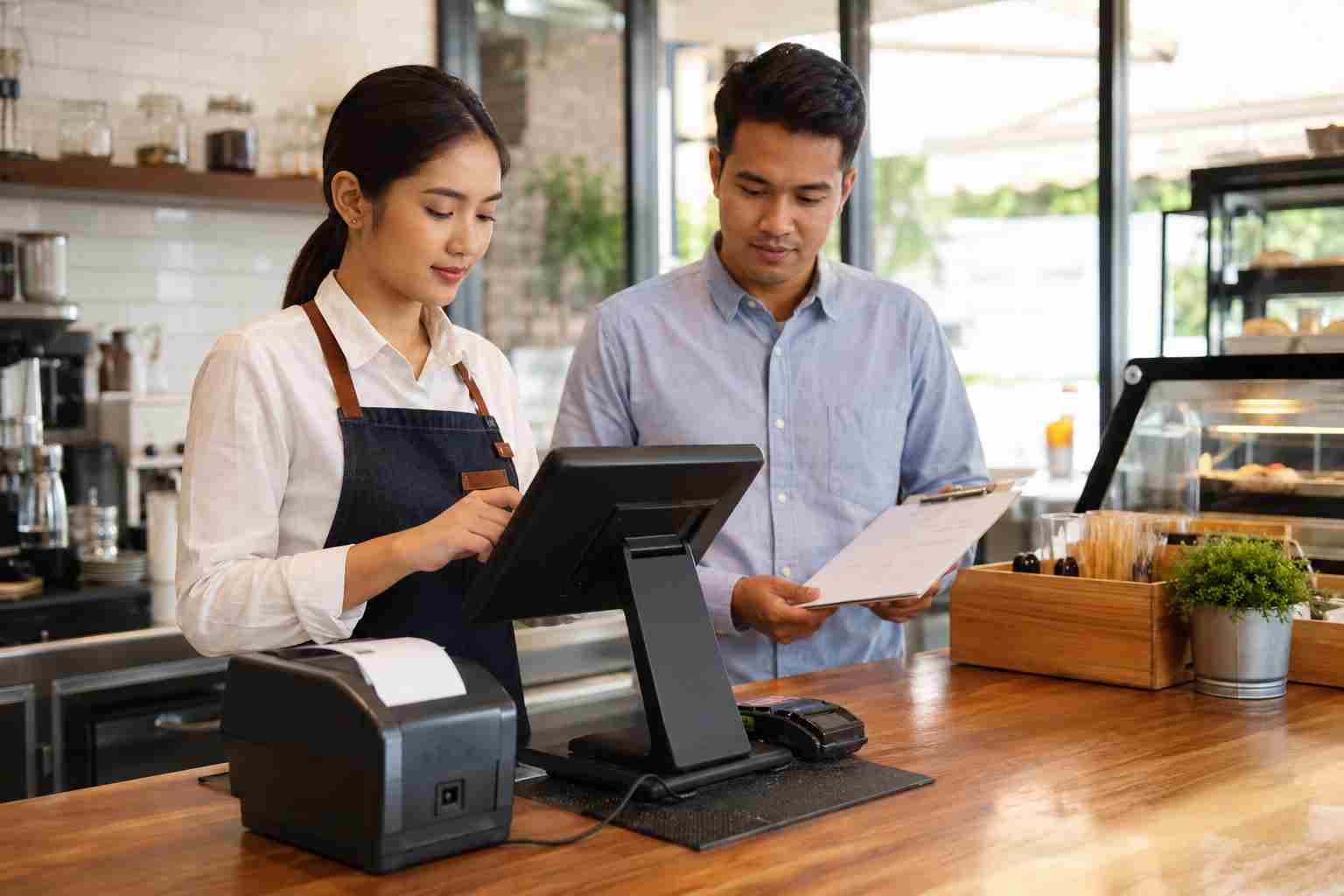
For a retail shop, restaurant, salon, clinic, or service counter, a point-of-sale system is not just another device. It is how money moves.
When a credit card terminal drops offline, the impact is immediate. Lines slow down. Staff get stressed. Customers wait. Online orders may stop syncing. Receipts may not print. Managers may not know whether the problem is the internet provider, the Wi-Fi, the POS company, the router, or the payment terminal itself.
The frustrating part is that the internet may look “fine” on a phone or laptop while the POS system still struggles.
That is because payment systems often depend on more than one thing working at the same time: internet service, local network equipment, Wi-Fi coverage, cables, switches, payment hardware, cloud services, and sometimes offline mode settings.
Most POS issues fall into a few practical categories.
The internet connection drops.
If the business internet connection goes down, cloud-based POS tools may lose contact with the payment processor or POS provider.
The local network has a problem.
Sometimes the internet is working, but the local router, switch, access point, or cabling is not behaving properly.
Wi-Fi coverage is weak near the checkout area.
A terminal may work in one part of the building but drop connection near the patio, front counter, stockroom, or mobile checkout area.
Devices are switching networks.
Some devices remember old Wi-Fi networks and may try to reconnect to the wrong one. That can interrupt service.
The POS provider has a service disruption.
Sometimes the issue is not inside your building. The POS provider or payment platform may be experiencing an outage.
Power problems interrupt equipment.
A brief power flicker can restart a modem, router, switch, access point, or terminal. Even a short outage can create a long checkout problem.
Some POS systems offer offline mode. Square announced that offline payments would be enabled by default for compatible sellers starting April 12, 2026, unless they choose different settings. Toast also documents offline mode options that can allow restaurants to keep taking orders and certain card payments during connection issues.
That is useful, but business owners should understand the tradeoff.
Offline mode may allow transactions to be stored and submitted later, but payments are not always authorized in real time. Some transactions may later decline, expire, or create reconciliation issues. Features like online ordering, reporting, gift cards, loyalty tools, inventory sync, or third-party delivery integrations may also be limited until the system reconnects.
In plain English: offline mode can keep the line moving, but it should not be your only backup plan.
When payment terminals keep dropping offline, start with the basics.
Check whether it is one device or every device.
If only one terminal is offline, the issue may be that device, its cable, its Wi-Fi signal, or its local settings. If every terminal is offline, the issue may be internet, network equipment, power, or the POS provider.
Check the POS provider status page.
If the provider has an outage, restarting everything may not help. In some cases, it can make recovery harder.
Look at the network equipment.
Confirm the modem, router, switches, and access points are powered on and stable. Loose cables and overloaded power strips cause more problems than many businesses expect.
Review Wi-Fi coverage.
A payment terminal needs a reliable signal where it is actually used, not just near the router. Walk the space and test the checkout counter, patio, curbside area, back office, and service stations.
Separate guest Wi-Fi from business systems.
Customers should not share the same network used by POS systems, office computers, printers, and business devices.
Use wired connections where practical.
For fixed checkout stations, wired Ethernet is often more stable than Wi-Fi. Wireless is useful, but it should be planned carefully.
Consider battery backup.
A small UPS battery backup can keep a modem, router, and key network equipment running through brief power flickers.
Consider cellular backup.
A backup internet connection can help businesses keep taking payments when the primary internet service fails.
During a busy checkout problem, employees may start unplugging cables, restarting routers, turning devices off, switching Wi-Fi networks, or logging out of apps.
Sometimes that helps. Sometimes it makes the problem worse.
Toast specifically warns that some actions during offline mode, such as unplugging Ethernet cables, turning off devices, restarting routers during certain provider disruptions, logging out, or uninstalling apps, can cause lost orders, lost payment data, or extended downtime.
Every business should have a simple outage checklist near the checkout area. It should explain:
The checklist should be short enough for a busy employee to follow.
Orlando and Central Florida businesses deal with summer storms, power flickers, internet interruptions, and busy customer traffic. A five-minute connection issue at the wrong time can create lost sales, frustrated customers, and messy end-of-day reconciliation.
For restaurants, it can affect kitchen tickets and online orders. For retail, it can stop checkout. For clinics and service offices, it can delay payments and scheduling. For mobile businesses, it can interrupt work in the field.
A reliable POS setup is not just a convenience. It is part of business continuity.
If your POS or credit card terminals keep dropping offline, the best fix is usually not repeated restarting. The better approach is to review the whole path: internet, router, Wi-Fi, cabling, access points, power, provider status, offline mode, and staff procedures.


Himala and his team at Cybernetic Networks have been amazing. We have been a customer of Cybernetic Networks for well over 14 years now, both personally and professionally. Himala and his team are professional, reachable and on the cutting edge of technology. We have enjoyed doing business with Cybernetic Networks for many years and still rely on their knowledge, skills and technology every day
Himala and his Cybernetic team have never let me down! For over 10 years now they have been fixing my technical issues, set up all my new networks and computers and have safeguarded me from any hackers or malware. You can trust this company to navigate you as your company grows and to keep you on track with the latest in security and safety
I am a solo practicing neurologist and have had all my IT needs covered through Cybernetic Networks since 2007. They are the best! All of their tech support staff is extremely knowledgeable and efficient. Just as importantly, they are quickly responsive whenever we need their assistance. I couldn’t be happier with their service and give them my highest recommendation!
I couldn't be happier with Cybernetics - they are experts, always respond quickly , and solves any issues I have.
Cybernetic Networks has been advising and supporting all our IT issues and purchases for the last 18 years. They are very responsive and extremely knowledgeable- always providing us with timely services.
It is not often you find small business companies that are not only rewarding to work with, but also have integrity, truth and skill. I have worked with this company for over 20 years, and the service is outstanding. I can easily recommend that if you need an IT company, this is the one to get. Full STOP! Look no further, you will be happy that you did. Sue Myhelic, Gulf Breeze Real Estate, Naples, Florida.
Himala and his team from Cybernetic Networks, Inc. has been an integral part of our successful retail business for the past 20 years. He is extraordinarily knowledgable and always available for our IT needs. Thanks to Himala and his team we are always up and running.




