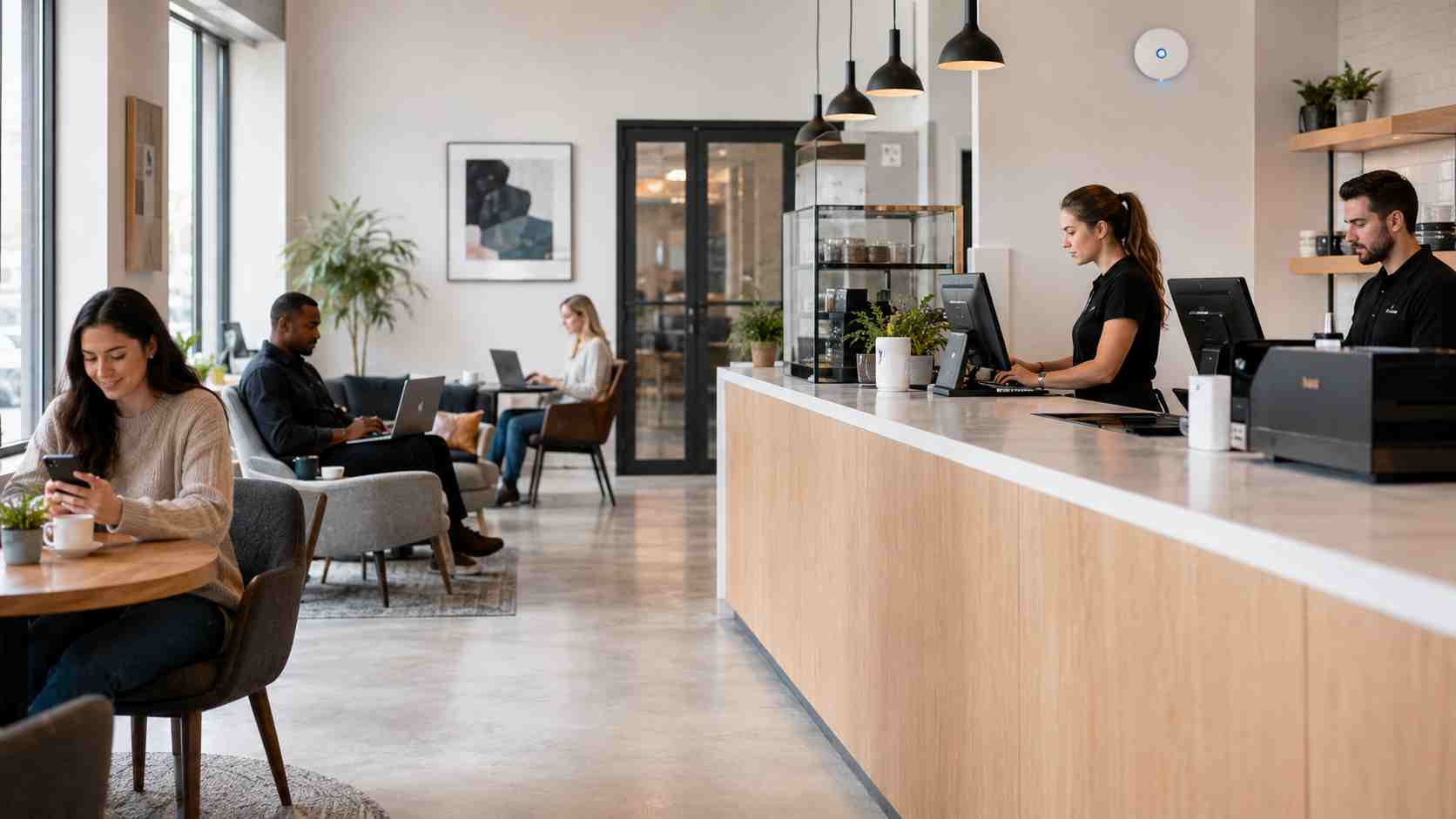
Many small businesses offer Wi-Fi to customers, vendors, guests, or visiting staff. That makes sense. People expect to stay connected while they wait, meet, shop, or work.
But there is one mistake businesses should avoid: letting guests use the same Wi-Fi network as staff computers, printers, payment systems, file shares, or business devices.
This does not mean you should stop offering Wi-Fi. It means your guest Wi-Fi should be separated from the network your business depends on.
Guest Wi-Fi is a separate wireless network for people who do not need access to your business systems.
Think of it like a lobby. Visitors can come in, sit down, and use the internet. But they do not get keys to the back office, filing cabinets, point-of-sale system, or employee computers.
A properly configured guest Wi-Fi network gives visitors internet access while keeping business devices separate.
If everyone uses the same Wi-Fi password, your business loses control.
That password may be shared with customers, vendors, former employees, delivery drivers, temporary workers, or anyone who saw it posted near the front desk. Over time, you may not know who has access.
Shared Wi-Fi can create several problems:
For a business owner, the issue is not just technical. Slow Wi-Fi can affect checkout, calls, appointments, staff productivity, and customer experience.
The best everyday solution is to create a separate guest network with its own Wi-Fi name and password.
The staff network should be used only for company-approved devices. The guest network should be used for customers, visitors, and personal devices that do not need access to internal systems.
This separation helps reduce risk and makes troubleshooting easier. If customers say the guest Wi-Fi is slow, your IT team can look at that network without guessing whether the issue is affecting business systems too.
A safer guest Wi-Fi setup should include:
The Federal Trade Commission recommends setting up a guest network because it means fewer people have the main Wi-Fi password and helps keep guest devices away from primary devices. NIST also points small businesses toward network security basics because routers and network devices are the on-ramp to the internet.
Guest Wi-Fi should be easy for visitors to use, but easy does not mean unmanaged.
If your team constantly restarts the router, shares the staff password, struggles with printers, or hears “the Wi-Fi is down again,” the problem may be the network design rather than the internet provider.
Common signs you need help include:
A managed IT provider can review the layout, equipment, security settings, and coverage so the business is not guessing.
Good Wi-Fi is not just about speed. It is about reliability, separation, security, and fewer daily interruptions.
For small businesses in Orlando and surrounding areas, a clean guest Wi-Fi setup can protect staff systems, improve customer experience, reduce troubleshooting headaches, and make future upgrades easier.


Himala and his team at Cybernetic Networks have been amazing. We have been a customer of Cybernetic Networks for well over 14 years now, both personally and professionally. Himala and his team are professional, reachable and on the cutting edge of technology. We have enjoyed doing business with Cybernetic Networks for many years and still rely on their knowledge, skills and technology every day
Himala and his Cybernetic team have never let me down! For over 10 years now they have been fixing my technical issues, set up all my new networks and computers and have safeguarded me from any hackers or malware. You can trust this company to navigate you as your company grows and to keep you on track with the latest in security and safety
I am a solo practicing neurologist and have had all my IT needs covered through Cybernetic Networks since 2007. They are the best! All of their tech support staff is extremely knowledgeable and efficient. Just as importantly, they are quickly responsive whenever we need their assistance. I couldn’t be happier with their service and give them my highest recommendation!
I couldn't be happier with Cybernetics - they are experts, always respond quickly , and solves any issues I have.
Cybernetic Networks has been advising and supporting all our IT issues and purchases for the last 18 years. They are very responsive and extremely knowledgeable- always providing us with timely services.
It is not often you find small business companies that are not only rewarding to work with, but also have integrity, truth and skill. I have worked with this company for over 20 years, and the service is outstanding. I can easily recommend that if you need an IT company, this is the one to get. Full STOP! Look no further, you will be happy that you did. Sue Myhelic, Gulf Breeze Real Estate, Naples, Florida.
Himala and his team from Cybernetic Networks, Inc. has been an integral part of our successful retail business for the past 20 years. He is extraordinarily knowledgable and always available for our IT needs. Thanks to Himala and his team we are always up and running.




