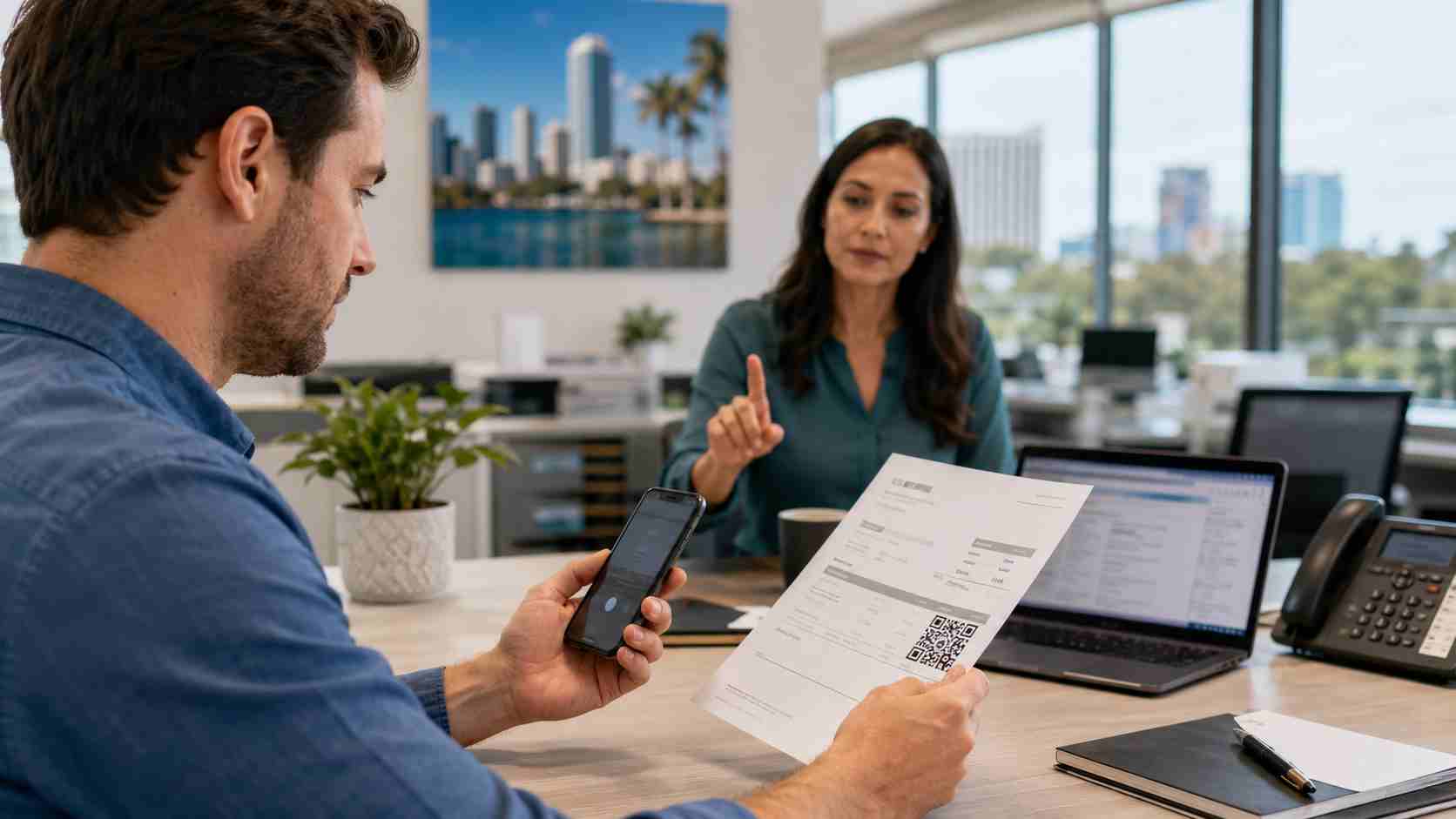
Most employees know they should be careful with suspicious links in email. But what about a QR code inside a PDF, invoice, delivery notice, or “secure document” message?
That is where many scams are heading.
Microsoft’s Q1 2026 email threat research found that QR-code phishing rose sharply during the first quarter of the year. Instead of putting a normal link in an email, attackers hide the link inside a QR code. The employee scans it with a phone, lands on a fake sign-in page, and may accidentally hand over access to Microsoft 365, email, files, or payment conversations.
For a small business, this is not just a technology issue. It can become a billing problem, payroll problem, customer trust problem, or wire fraud problem very quickly.
QR-code phishing, sometimes called “quishing,” is a scam that uses a QR code to send someone to a fake website.
The email may look like a normal business message. It might claim to be:
The QR code may be inside the email body, attached PDF, Word document, or image. When the employee scans it, the phone opens a website. That site may look like a Microsoft login page, vendor portal, or payment page.
The problem is simple: the employee thinks they are completing a normal business step, but the attacker is trying to steal login access or payment information.
Traditional phishing training often tells people to hover over links before clicking. QR codes make that harder.
A QR code hides the destination. Employees may scan it on a personal phone, outside the company laptop’s normal protections. If the page looks familiar, they may enter a password, approve a login, or share information before realizing anything is wrong.
Microsoft also reported that business email compromise remained active in Q1 2026. The FBI describes business email compromise as one of the most financially damaging online crimes because it takes advantage of everyday business communication. That is why QR-code phishing is so concerning: it can become the first step toward fake invoice requests, changed payment instructions, or stolen email conversations.
Small businesses often move quickly. Employees are balancing customer service, billing, scheduling, orders, and vendor messages. That pace creates openings for scams.
A busy employee may scan a QR code because:
For local businesses in Orlando and Central Florida, the impact can be serious. A stolen email account can expose customer records, vendor conversations, quotes, invoices, internal files, and payment approvals.
Start with a simple rule: employees should not scan QR codes from unexpected emails, invoices, or attachments unless they can verify the request another way.
Small businesses should also:
The most important habit is verification. If a vendor, bank, customer, or coworker sends a QR code that asks for a login or payment action, pause and confirm it through a trusted channel.
Scammers design these messages to look normal. They use business language, familiar brands, and everyday workflows. A good security plan should not depend on one employee noticing every trick.
A safer process includes training, email filtering, account monitoring, clear payment approval rules, and fast support when something looks wrong.


Himala and his team at Cybernetic Networks have been amazing. We have been a customer of Cybernetic Networks for well over 14 years now, both personally and professionally. Himala and his team are professional, reachable and on the cutting edge of technology. We have enjoyed doing business with Cybernetic Networks for many years and still rely on their knowledge, skills and technology every day
Himala and his Cybernetic team have never let me down! For over 10 years now they have been fixing my technical issues, set up all my new networks and computers and have safeguarded me from any hackers or malware. You can trust this company to navigate you as your company grows and to keep you on track with the latest in security and safety
I am a solo practicing neurologist and have had all my IT needs covered through Cybernetic Networks since 2007. They are the best! All of their tech support staff is extremely knowledgeable and efficient. Just as importantly, they are quickly responsive whenever we need their assistance. I couldn’t be happier with their service and give them my highest recommendation!
I couldn't be happier with Cybernetics - they are experts, always respond quickly , and solves any issues I have.
Cybernetic Networks has been advising and supporting all our IT issues and purchases for the last 18 years. They are very responsive and extremely knowledgeable- always providing us with timely services.
It is not often you find small business companies that are not only rewarding to work with, but also have integrity, truth and skill. I have worked with this company for over 20 years, and the service is outstanding. I can easily recommend that if you need an IT company, this is the one to get. Full STOP! Look no further, you will be happy that you did. Sue Myhelic, Gulf Breeze Real Estate, Naples, Florida.
Himala and his team from Cybernetic Networks, Inc. has been an integral part of our successful retail business for the past 20 years. He is extraordinarily knowledgable and always available for our IT needs. Thanks to Himala and his team we are always up and running.




