NOAA’s 2026 Atlantic hurricane outlook points to a higher chance of a below-normal season than an above-normal one. That may sound reassuring, but it should not cause Orlando-area businesses to relax.
A single storm, power outage, roof leak, internet outage, or damaged office can still interrupt operations. For a small business, the biggest technology problem is often not the storm itself. It is what happens after: staff cannot access files, phones stop working, invoices are stuck, systems are offline, or nobody knows whether the backup actually works.
Hurricane season is a good reminder to check the basics before the weather turns urgent.
Many business owners think “we have backups” means the business is protected. That is only partly true.
A useful backup plan answers several practical questions:
If those answers are unclear, the business may have a backup product, but not a real recovery plan.
Start with critical data. This includes accounting files, customer records, contracts, project files, email, cloud documents, and any software data your business needs to operate.
Next, check whether backups are stored off-site or in the cloud. If all backup copies are in the same office, a storm-related incident can affect both the computers and the backup.
Then, test recovery. A backup that has never been tested is a question mark. A quick restore test can confirm whether files can actually be recovered.
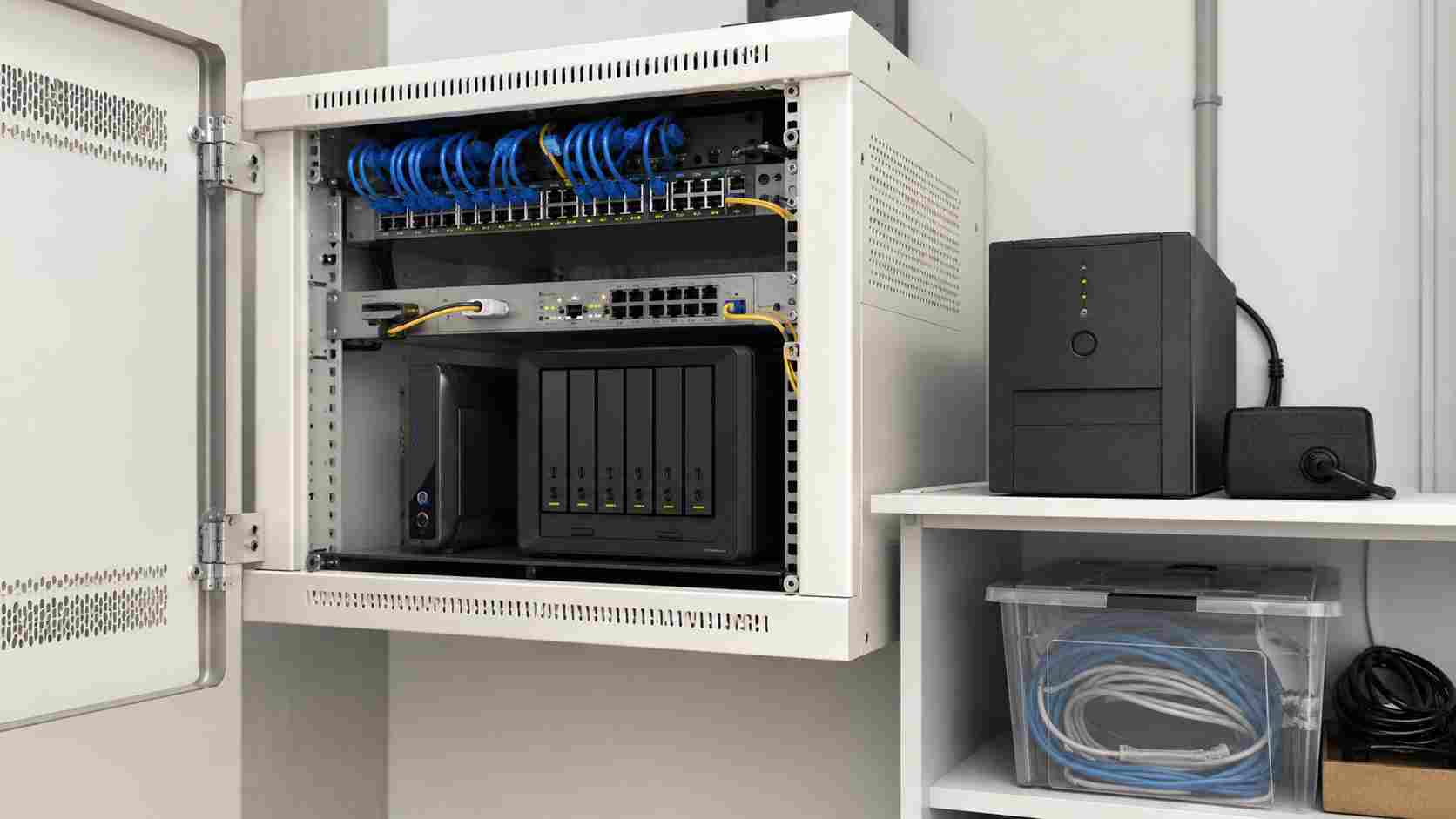
Review power protection too. Battery backups can help protect network equipment and computers from sudden shutdowns. They are not a full storm solution, but they can reduce damage from brief power interruptions.
Remote access is another important piece. If employees need to work from home after a storm, they should have secure access set up before the storm is approaching. Last-minute remote access changes can create confusion and security risk.
Technology recovery is not just about files and servers. Staff should know who to contact, which systems matter most, and what to do if the office is unavailable.
A simple contact list, vendor list, password process, and recovery priority list can save hours when stress is high.
For example, a medical office, law firm, contractor, accounting firm, or local service business may all have different priorities. One business may need phones restored first. Another may need scheduling software. Another may need access to estimates, invoices, and customer records.
The plan should match how the business actually runs.
Hurricane planning does not need to be overwhelming. The strongest first step is to confirm that your business can access the information it needs even if the office is unavailable for a few days.


Himala and his team at Cybernetic Networks have been amazing. We have been a customer of Cybernetic Networks for well over 14 years now, both personally and professionally. Himala and his team are professional, reachable and on the cutting edge of technology. We have enjoyed doing business with Cybernetic Networks for many years and still rely on their knowledge, skills and technology every day
Himala and his Cybernetic team have never let me down! For over 10 years now they have been fixing my technical issues, set up all my new networks and computers and have safeguarded me from any hackers or malware. You can trust this company to navigate you as your company grows and to keep you on track with the latest in security and safety
I am a solo practicing neurologist and have had all my IT needs covered through Cybernetic Networks since 2007. They are the best! All of their tech support staff is extremely knowledgeable and efficient. Just as importantly, they are quickly responsive whenever we need their assistance. I couldn’t be happier with their service and give them my highest recommendation!
I couldn't be happier with Cybernetics - they are experts, always respond quickly , and solves any issues I have.
Cybernetic Networks has been advising and supporting all our IT issues and purchases for the last 18 years. They are very responsive and extremely knowledgeable- always providing us with timely services.
It is not often you find small business companies that are not only rewarding to work with, but also have integrity, truth and skill. I have worked with this company for over 20 years, and the service is outstanding. I can easily recommend that if you need an IT company, this is the one to get. Full STOP! Look no further, you will be happy that you did. Sue Myhelic, Gulf Breeze Real Estate, Naples, Florida.
Himala and his team from Cybernetic Networks, Inc. has been an integral part of our successful retail business for the past 20 years. He is extraordinarily knowledgable and always available for our IT needs. Thanks to Himala and his team we are always up and running.




