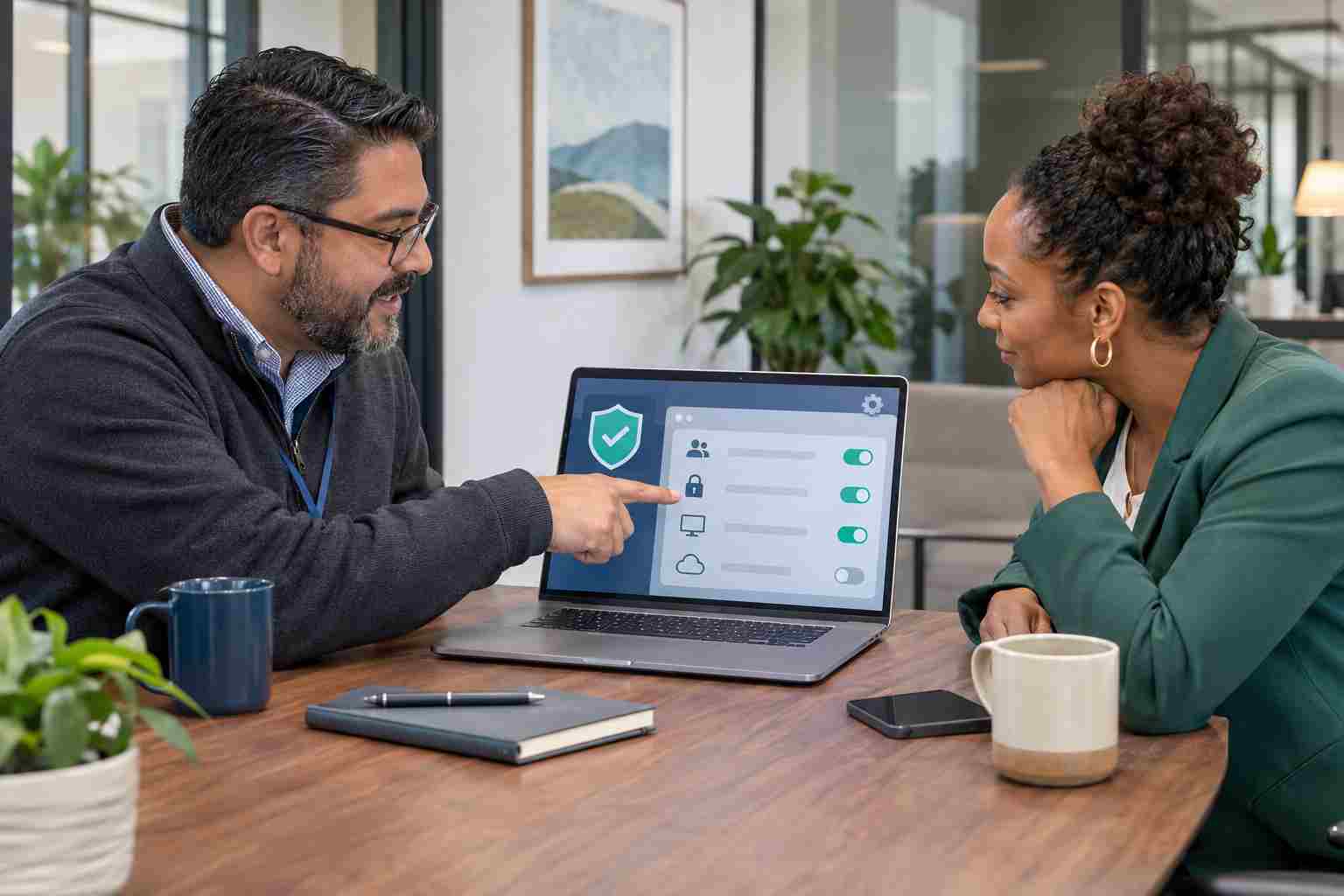
OneDrive may appear to be working normally even when one or more files have stopped synchronizing. An employee can continue editing a local copy without realizing that coworkers are seeing an older version.
That can lead to duplicated proposals, missing spreadsheet changes, outdated client documents, or staff members overwriting one another’s work.
A red circle with a white X means a file or folder cannot sync. A gray cloud icon with a line through it usually means OneDrive is not signed in or has not completed setup. A paused symbol means synchronization has been stopped.
These icons are useful warnings. They should not be ignored.
Before resetting accounts, deleting files, or moving entire folders, save any open work.
If a critical document contains changes that have not reached the cloud, save a clearly named temporary copy outside the OneDrive folder. Include the date or your initials in the filename so the business can identify it later.
Do not delete the cloud version or overwrite a coworker’s copy until someone has confirmed which document is current.
Select the blue or white OneDrive cloud icon near the Windows clock. You may need to select the arrow that displays hidden icons.
The status panel may identify the exact file that is stuck and explain whether the issue involves:
Reading the displayed message is safer than immediately unlinking the account or reinstalling software.
Confirm that OneDrive is signed in with the employee’s business account. If synchronization is paused, select Resume syncing.
Next, make sure the computer has a stable internet connection. Opening an ordinary webpage is a quick check, but it does not prove every Microsoft service is available. If several employees develop the same problem at once, your IT provider should also review Microsoft 365 service health.
Restarting OneDrive or the computer can clear a temporary issue, but it should not become the only response to a recurring problem.
A document may not sync while another application is actively using it. Save the file, close the application, and allow OneDrive a few minutes to process the change.
Microsoft specifically notes that open documents, edited images, and Outlook data files can create synchronization problems. Outlook .pst data files generally should not be stored inside an actively synchronized OneDrive folder.
OneDrive cannot upload new changes when the account has exceeded its available storage.
Long folder paths and certain file-name problems can also stop synchronization. If one file repeatedly fails, try shortening its name and moving it closer to the top of the shared folder structure. Avoid making broad folder changes without coordinating with coworkers because moving a shared folder can disrupt shortcuts and established workflows.
Open OneDrive through a web browser and locate the affected document. Compare its modified date with the copy on the computer.
If the online version is current, the local device may be the only problem. If the online version is older, preserve the newer local work before attempting repairs.
This step is especially important when multiple employees have edited the same proposal, spreadsheet, or customer file.
Unlinking the computer, resetting OneDrive, or deleting and recreating a synchronized folder can sometimes help, but these actions can also create duplicate folders or make file-version confusion worse.
Before using those options:
Managed devices can report OneDrive synchronization health to the Microsoft 365 Apps Admin Center. Administrators can use this information to identify devices with sync errors, outdated OneDrive versions, or other warnings.
Businesses should also set clear rules for where shared documents belong. Employees should not keep separate copies of the same active file in Downloads, email attachments, personal OneDrive accounts, and shared folders.
Finally, remember that file synchronization is not a complete recovery strategy. A business still needs suitable retention, backup, access control, and recovery procedures for important information.


Himala and his team at Cybernetic Networks have been amazing. We have been a customer of Cybernetic Networks for well over 14 years now, both personally and professionally. Himala and his team are professional, reachable and on the cutting edge of technology. We have enjoyed doing business with Cybernetic Networks for many years and still rely on their knowledge, skills and technology every day
Himala and his Cybernetic team have never let me down! For over 10 years now they have been fixing my technical issues, set up all my new networks and computers and have safeguarded me from any hackers or malware. You can trust this company to navigate you as your company grows and to keep you on track with the latest in security and safety
I am a solo practicing neurologist and have had all my IT needs covered through Cybernetic Networks since 2007. They are the best! All of their tech support staff is extremely knowledgeable and efficient. Just as importantly, they are quickly responsive whenever we need their assistance. I couldn’t be happier with their service and give them my highest recommendation!
I couldn't be happier with Cybernetics - they are experts, always respond quickly , and solves any issues I have.
Cybernetic Networks has been advising and supporting all our IT issues and purchases for the last 18 years. They are very responsive and extremely knowledgeable- always providing us with timely services.
It is not often you find small business companies that are not only rewarding to work with, but also have integrity, truth and skill. I have worked with this company for over 20 years, and the service is outstanding. I can easily recommend that if you need an IT company, this is the one to get. Full STOP! Look no further, you will be happy that you did. Sue Myhelic, Gulf Breeze Real Estate, Naples, Florida.
Himala and his team from Cybernetic Networks, Inc. has been an integral part of our successful retail business for the past 20 years. He is extraordinarily knowledgable and always available for our IT needs. Thanks to Himala and his team we are always up and running.