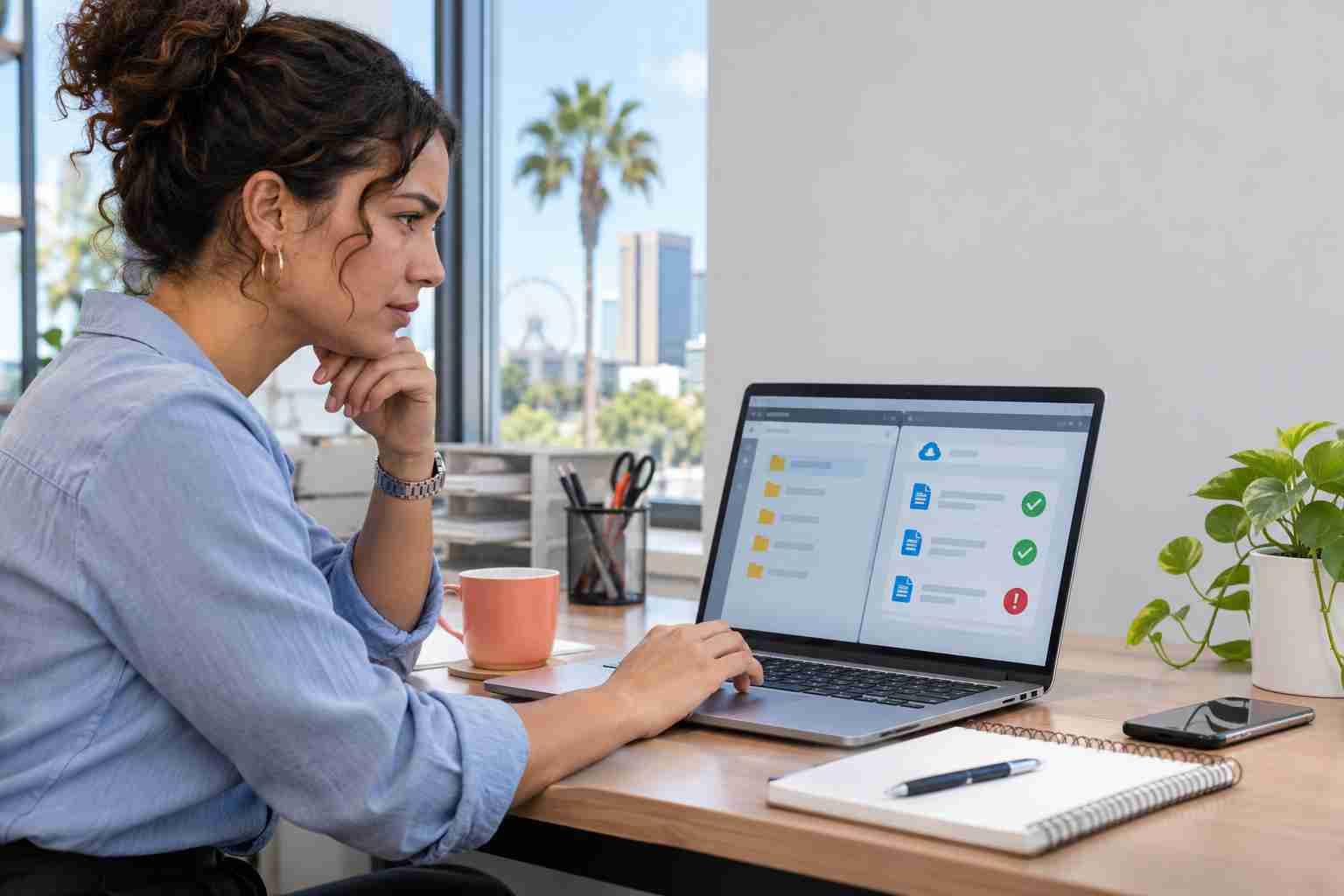
An unexpected Microsoft Teams message can feel more legitimate than an ordinary email. It appears inside a tool employees already use, and the person contacting them may claim to be from IT, Microsoft, or a familiar technology provider.
That sense of familiarity is exactly what scammers are trying to exploit.
Microsoft reported approximately 141,000 malicious Teams call attempts during the third quarter of 2026. The company cautions that these were attempts, not necessarily successful attacks, but the activity shows why businesses can no longer treat Teams as a completely trusted communication channel.
Attackers are using live chats, calls, screen sharing, and legitimate remote-support tools to convince employees to give them access to business computers.
A typical incident may begin with an external Teams chat or call. The sender might say:
The scammer may use a normal-looking personal name instead of calling themselves “Help Desk.” Microsoft found that ordinary personal-name display names became increasingly common in malicious Teams calls during Q3.
The sender may then ask the employee to share their screen, approve remote control, read out a connection code, visit a sign-in page, or install software. Once access is granted, the attacker may try to steal passwords, reach business files, or prepare the computer for a larger attack.
Teams identifies conversations that originate outside the organization. Employees should treat the word External as a reason to pause, especially when the person claims to work for the company or its IT provider.
Microsoft also displays warnings when it detects possible phishing or impersonation. These warnings help, but they are advisory. Teams does not make every decision for the user.
Employees should check the sender’s full address, preview the message carefully, and accept the conversation only when they are confident the sender is legitimate.
Every small business should establish this rule:
Never grant remote access in response to an unexpected chat or call until the request has been verified through a known contact method.
If someone claims to represent your IT provider, end the conversation and call the provider using the number already saved in your records. Do not use a phone number or link supplied by the unexpected sender.
Managers should also tell employees how legitimate support normally begins. For example, does your IT provider call first? Does it use a ticket number? Who is allowed to approve a remote session?
A short, consistent process removes much of the uncertainty scammers depend on.
Employees should not:
Public information from websites and social media can help a scammer sound surprisingly well informed.
Microsoft Teams allows administrators to control external communications. A business that regularly collaborates with only a few vendors may be able to restrict external access to approved organizations.
This decision should be made carefully. Blocking every outside contact may interfere with legitimate client or vendor work, while leaving access completely open can create unnecessary exposure.
A practical review should identify:
Disconnect the affected computer from the network and contact your legitimate IT provider immediately. Do not continue using the device for email, banking, password changes, or sensitive business work until it has been reviewed.
Provide the approximate time of the contact, the sender’s information, screenshots if safely available, and a description of anything the employee clicked, installed, or approved. Fast reporting gives the support team a better chance to contain the problem.


Himala and his team at Cybernetic Networks have been amazing. We have been a customer of Cybernetic Networks for well over 14 years now, both personally and professionally. Himala and his team are professional, reachable and on the cutting edge of technology. We have enjoyed doing business with Cybernetic Networks for many years and still rely on their knowledge, skills and technology every day
Himala and his Cybernetic team have never let me down! For over 10 years now they have been fixing my technical issues, set up all my new networks and computers and have safeguarded me from any hackers or malware. You can trust this company to navigate you as your company grows and to keep you on track with the latest in security and safety
I am a solo practicing neurologist and have had all my IT needs covered through Cybernetic Networks since 2007. They are the best! All of their tech support staff is extremely knowledgeable and efficient. Just as importantly, they are quickly responsive whenever we need their assistance. I couldn’t be happier with their service and give them my highest recommendation!
I couldn't be happier with Cybernetics - they are experts, always respond quickly , and solves any issues I have.
Cybernetic Networks has been advising and supporting all our IT issues and purchases for the last 18 years. They are very responsive and extremely knowledgeable- always providing us with timely services.
It is not often you find small business companies that are not only rewarding to work with, but also have integrity, truth and skill. I have worked with this company for over 20 years, and the service is outstanding. I can easily recommend that if you need an IT company, this is the one to get. Full STOP! Look no further, you will be happy that you did. Sue Myhelic, Gulf Breeze Real Estate, Naples, Florida.
Himala and his team from Cybernetic Networks, Inc. has been an integral part of our successful retail business for the past 20 years. He is extraordinarily knowledgable and always available for our IT needs. Thanks to Himala and his team we are always up and running.