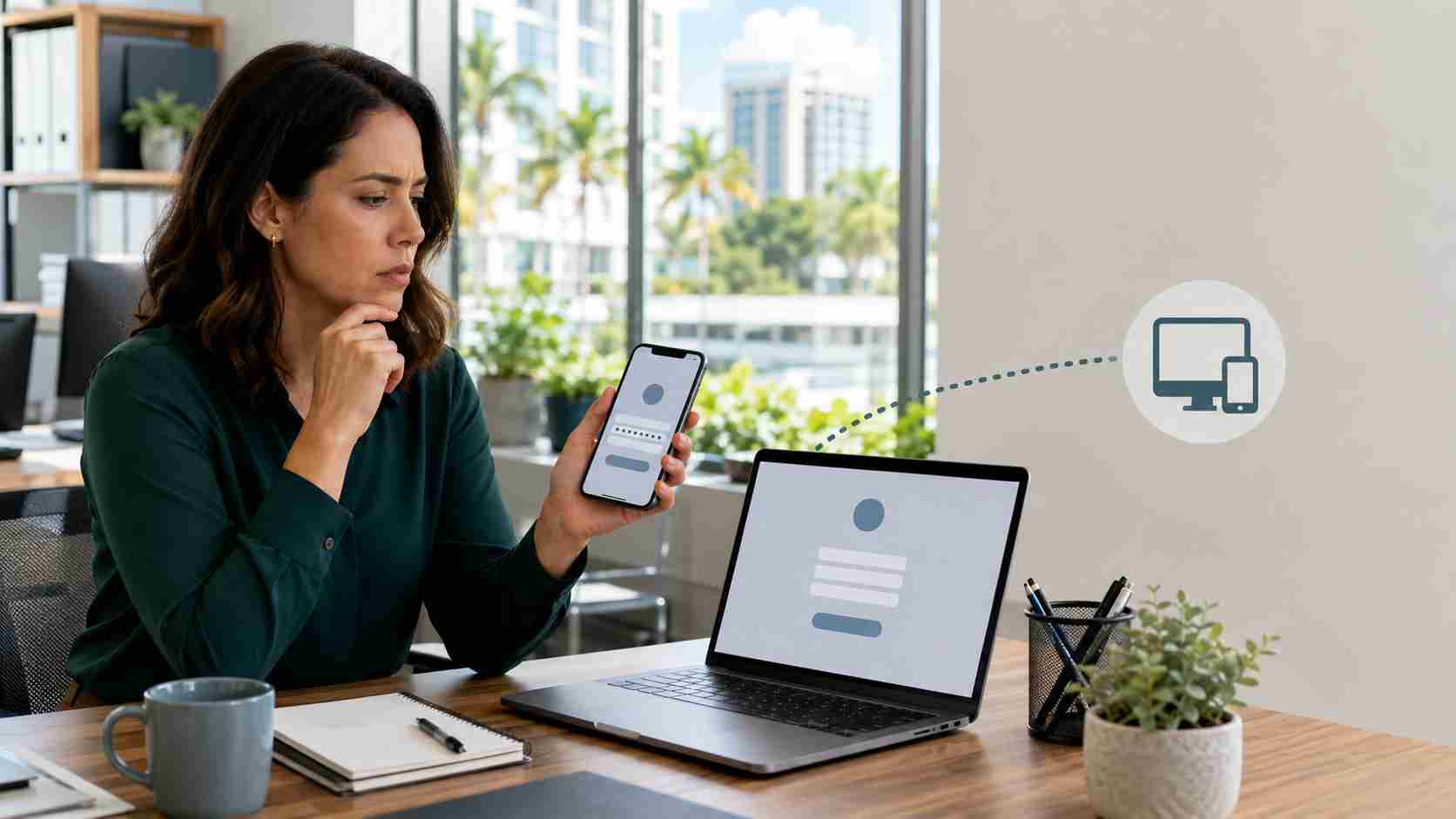
Employees have been taught to look for fake websites. That is still good advice, but some phishing attacks now lead victims to a real Microsoft sign-in page.
The deception happens before the employee reaches that page.
A criminal may send an email, chat message, or supposed IT request containing a sign-in code. The employee is instructed to visit Microsoft’s legitimate verification page and enter the code. If the employee complies, they may be authorizing the criminal’s device to access the company account.
The page is real. The code is the trap.
On August 7, 2026, CERT-In published a critical advisory describing increased attacks against Microsoft 365 environments. Reported techniques included device-code phishing, password attacks, stolen session tokens, and business email compromise.
The FBI has also warned about Kali365, a phishing service designed to capture Microsoft 365 access tokens and bypass additional MFA challenges.
Multi-factor authentication, or MFA, asks users to provide another form of proof in addition to a password. It remains one of the most valuable account protections a business can use.
Device-code phishing does not necessarily defeat MFA technically. Instead, it tricks the employee into completing a legitimate authorization process for the attacker.
Once authorized, the attacker may obtain a digital access token. That token can act like a temporary pass into Outlook, Teams, OneDrive, or other connected services. The attacker may not need to enter the victim’s password again or immediately complete another MFA prompt.
This is why an account can be compromised even when the employee never knowingly shares a password.
For a small business, one compromised Microsoft 365 account can create several problems:
An email account contains relationships and context. That makes access to it especially useful for financial fraud and impersonation.
Employees should stop and verify the request when:
A simple internal rule helps: Never enter a device code unless you personally started the device setup and understand exactly what is being connected.
Tell employees that a real Microsoft page can still be part of a fraudulent request. Training should focus on the unexpected code and the person requesting authorization, not only the appearance of the website.
This attack does not make MFA useless. MFA still blocks many password-based attacks. Businesses should continue using it while improving the controls around unusual authentication methods.
Microsoft recommends blocking device-code authentication where it is not required. Some Teams room systems, shared devices, printers, and specialist applications may legitimately use it, so this setting should be reviewed by a qualified administrator before changes are enforced.
Administrators should watch for unfamiliar locations, newly registered devices, unusual app permissions, unexpected inbox rules, and account activity outside normal working patterns.
Owners, administrators, bookkeepers, payroll staff, and employees who approve payments should receive additional protection. Options may include phishing-resistant sign-in methods, tighter access policies, and stronger verification procedures for financial requests.
If an employee entered a code they did not initiate, the business should contact its IT or security provider immediately. The account’s active sessions, sign-in history, connected applications, mailbox rules, and affected data may all require review.
Technology settings alone cannot solve a scam that combines a legitimate website with a convincing human request. Small businesses need both well-configured Microsoft 365 protections and employees who know when to pause.


Himala and his team at Cybernetic Networks have been amazing. We have been a customer of Cybernetic Networks for well over 14 years now, both personally and professionally. Himala and his team are professional, reachable and on the cutting edge of technology. We have enjoyed doing business with Cybernetic Networks for many years and still rely on their knowledge, skills and technology every day
Himala and his Cybernetic team have never let me down! For over 10 years now they have been fixing my technical issues, set up all my new networks and computers and have safeguarded me from any hackers or malware. You can trust this company to navigate you as your company grows and to keep you on track with the latest in security and safety
I am a solo practicing neurologist and have had all my IT needs covered through Cybernetic Networks since 2007. They are the best! All of their tech support staff is extremely knowledgeable and efficient. Just as importantly, they are quickly responsive whenever we need their assistance. I couldn’t be happier with their service and give them my highest recommendation!
I couldn't be happier with Cybernetics - they are experts, always respond quickly , and solves any issues I have.
Cybernetic Networks has been advising and supporting all our IT issues and purchases for the last 18 years. They are very responsive and extremely knowledgeable- always providing us with timely services.
It is not often you find small business companies that are not only rewarding to work with, but also have integrity, truth and skill. I have worked with this company for over 20 years, and the service is outstanding. I can easily recommend that if you need an IT company, this is the one to get. Full STOP! Look no further, you will be happy that you did. Sue Myhelic, Gulf Breeze Real Estate, Naples, Florida.
Himala and his team from Cybernetic Networks, Inc. has been an integral part of our successful retail business for the past 20 years. He is extraordinarily knowledgable and always available for our IT needs. Thanks to Himala and his team we are always up and running.




