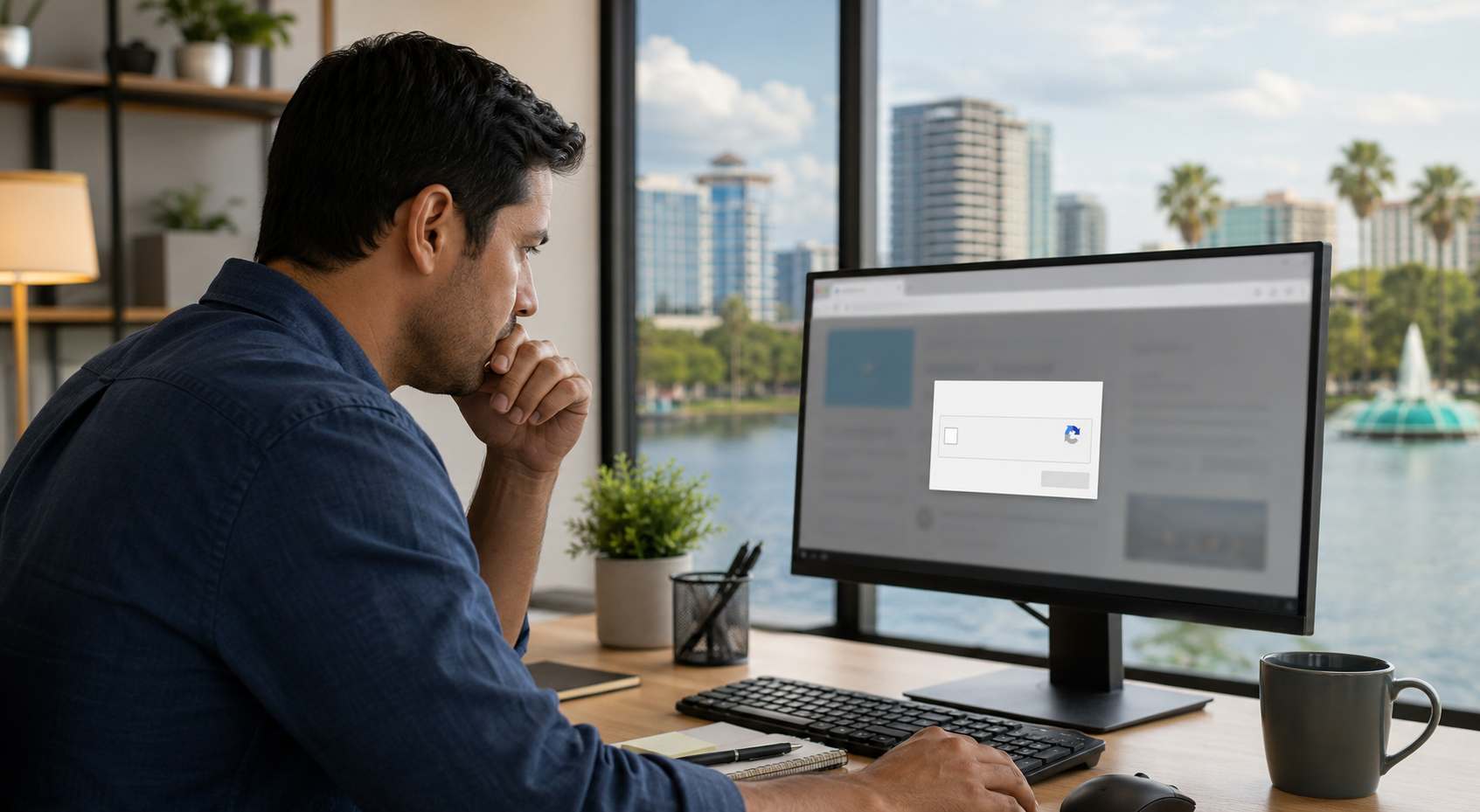
Most business owners already know to be cautious with suspicious emails. What many people do not expect is a fake “I’m not a robot” or “complete verification” prompt that appears inside a normal-looking website.
That is what makes this new wave of scams dangerous. Security researchers have been tracking ClickFix-style attacks that trick people into copying, pasting, or running commands themselves. Microsoft says this technique has grown quickly, and in early 2026 it documented a new variation called “CrashFix” that deliberately crashes the browser and then tells the user to run a supposed fix.
Traditional phishing tries to get someone to click a bad link or hand over a password. ClickFix-style scams go a step further. They try to convince the employee that the computer problem is real and that the employee needs to “fix” it by following instructions on the screen.
That matters because it can bypass the normal instinct people have about suspicious downloads. The employee may believe they are solving a browser or login problem, when in reality they are opening the door to malware, credential theft, or account takeover. Microsoft’s Q1 2026 threat review specifically called out fake CAPTCHAs as part of current attack activity.
Small businesses are especially exposed because staff members often wear several hats. The same person might handle invoices, customer emails, scheduling, file sharing, and payroll access on the same machine. If that employee follows one fake verification prompt, the problem may not stay limited to one browser tab.
In plain business terms, this kind of incident can lead to downtime, locked accounts, fraudulent payments, stolen customer information, or expensive cleanup work. Even when the attack is caught early, it can still create hours or days of disruption while devices, passwords, and access permissions are reviewed.
A real CAPTCHA or website check should never ask an employee to open the Windows Run box, PowerShell, Terminal, Command Prompt, or any other system tool. It should never ask them to paste a command copied from a webpage. That is the red flag.
If a staff member sees that kind of prompt, the safest move is to stop immediately, close the page if possible, disconnect from the network if something was already run, and report it to IT support right away.
Small-business security problems do not always start with a dramatic breach. Sometimes they start with a convincing little pop-up that looks routine. In 2026, that kind of social engineering is becoming more polished, more believable, and more dangerous for everyday business users.


 Trustindex verifies that the original source of the review is Google.
  Trustindex verifies that the original source of the review is Google.
  Trustindex verifies that the original source of the review is Google.
  Trustindex verifies that the original source of the review is Google.
  Trustindex verifies that the original source of the review is Google.
  Trustindex verifies that the original source of the review is Google.
  Trustindex verifies that the original source of the review is Google.
  Trustindex verifies that the original source of the review is Google.
  Trustindex verifies that the original source of the review is Google.
  Trustindex verifies that the original source of the review is Google.

Himala and his team at Cybernetic Networks have been amazing. We have been a customer of Cybernetic Networks for well over 14 years now, both personally and professionally. Himala and his team are professional, reachable and on the cutting edge of technology. We have enjoyed doing business with Cybernetic Networks for many years and still rely on their knowledge, skills and technology every day
Himala and his Cybernetic team have never let me down! For over 10 years now they have been fixing my technical issues, set up all my new networks and computers and have safeguarded me from any hackers or malware. You can trust this company to navigate you as your company grows and to keep you on track with the latest in security and safety
I am a solo practicing neurologist and have had all my IT needs covered through Cybernetic Networks since 2007. They are the best! All of their tech support staff is extremely knowledgeable and efficient. Just as importantly, they are quickly responsive whenever we need their assistance. I couldn’t be happier with their service and give them my highest recommendation!
I couldn't be happier with Cybernetics - they are experts, always respond quickly , and solves any issues I have.
Cybernetic Networks has been advising and supporting all our IT issues and purchases for the last 18 years. They are very responsive and extremely knowledgeable- always providing us with timely services.
It is not often you find small business companies that are not only rewarding to work with, but also have integrity, truth and skill. I have worked with this company for over 20 years, and the service is outstanding. I can easily recommend that if you need an IT company, this is the one to get. Full STOP! Look no further, you will be happy that you did. Sue Myhelic, Gulf Breeze Real Estate, Naples, Florida.
Himala and his team from Cybernetic Networks, Inc. has been an integral part of our successful retail business for the past 20 years. He is extraordinarily knowledgable and always available for our IT needs. Thanks to Himala and his team we are always up and running.

