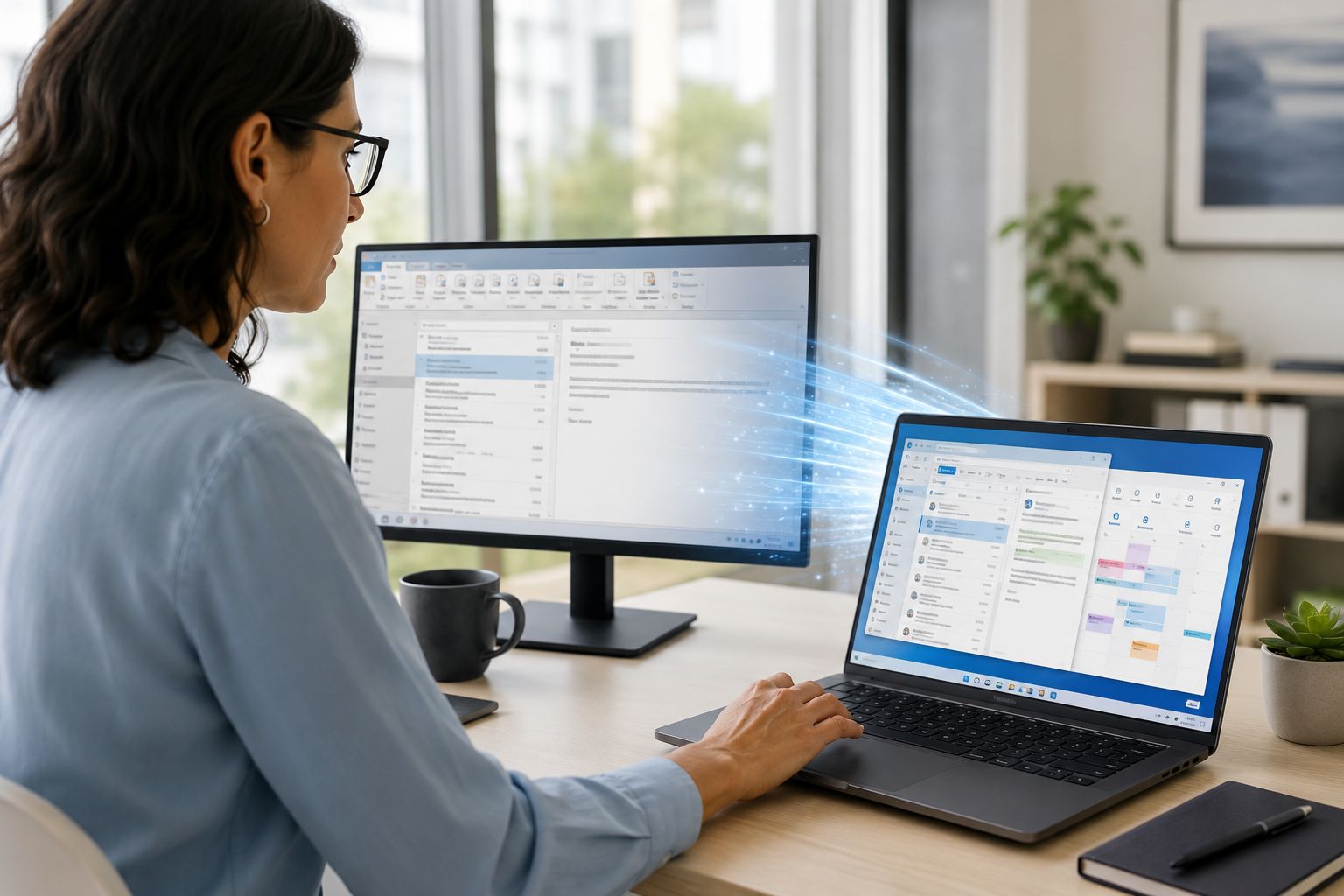
For many small businesses, Outlook is where the workday starts and where a surprising amount of work still gets done. Quotes get sent there. Appointments get scheduled there. Shared inboxes live there. Microsoft has been steadily moving users toward the new Outlook for Windows, and its support guidance says small and medium businesses on classic Outlook with a Business plan and Current Channel began being automatically switched starting in January 2025 after a series of notifications. (support.microsoft.com)
Business owners do not need to panic and force everyone over in a single day. Microsoft’s migration guidance says classic Outlook remains available until at least 2029. Microsoft also says organizations can run classic Outlook and new Outlook side-by-side during the transition, which is useful when a company depends on older workflows that the new app does not fully match yet. (learn.microsoft.com)
Microsoft’s own feature comparison page, updated April 14, 2026, shows that some functions are still limited or unsupported in new Outlook. Examples include no support for accessing files on network shares, no VBA macro support, and only partial support for some offline work, PST handling, Exchange on-premises scenarios, and shared mailbox delegate access. For a business that uses custom Outlook workflows, older accounting or CRM integrations, or heavily shared inbox processes, those differences can create frustration fast. (support.microsoft.com)
The risk here is not that email suddenly stops forever. The risk is a slower, messier kind of disruption: staff wasting time, missing steps, losing access to a familiar workflow, or assuming a feature works the same when it does not. That is especially common in smaller offices where one person may handle front desk, billing, scheduling, and customer communication all from the same mailbox. A “modern app” is only better if it still supports the way your business actually runs. Microsoft’s own side-by-side guidance reflects that reality. (support.microsoft.com)
Before making new Outlook the daily standard for everyone, test it with the people who rely on Outlook the most. That usually means operations staff, admin staff, billing, scheduling, and anyone using shared mailboxes or older plug-ins. Microsoft’s migration guidance explicitly recommends pilots, readiness planning, and admin controls, including hiding the toggle or managing deployment timing when an organization is not ready. Microsoft also notes that newer Windows builds may already include the new Outlook by default, and Windows 10 devices received automatic installation through 2025 updates. (learn.microsoft.com)
A practical checklist for small businesses:


 Trustindex verifies that the original source of the review is Google.
  Trustindex verifies that the original source of the review is Google.
  Trustindex verifies that the original source of the review is Google.
  Trustindex verifies that the original source of the review is Google.
  Trustindex verifies that the original source of the review is Google.
  Trustindex verifies that the original source of the review is Google.
  Trustindex verifies that the original source of the review is Google.
  Trustindex verifies that the original source of the review is Google.
  Trustindex verifies that the original source of the review is Google.
  Trustindex verifies that the original source of the review is Google.

Himala and his team at Cybernetic Networks have been amazing. We have been a customer of Cybernetic Networks for well over 14 years now, both personally and professionally. Himala and his team are professional, reachable and on the cutting edge of technology. We have enjoyed doing business with Cybernetic Networks for many years and still rely on their knowledge, skills and technology every day
Himala and his Cybernetic team have never let me down! For over 10 years now they have been fixing my technical issues, set up all my new networks and computers and have safeguarded me from any hackers or malware. You can trust this company to navigate you as your company grows and to keep you on track with the latest in security and safety
I am a solo practicing neurologist and have had all my IT needs covered through Cybernetic Networks since 2007. They are the best! All of their tech support staff is extremely knowledgeable and efficient. Just as importantly, they are quickly responsive whenever we need their assistance. I couldn’t be happier with their service and give them my highest recommendation!
I couldn't be happier with Cybernetics - they are experts, always respond quickly , and solves any issues I have.
Cybernetic Networks has been advising and supporting all our IT issues and purchases for the last 18 years. They are very responsive and extremely knowledgeable- always providing us with timely services.
It is not often you find small business companies that are not only rewarding to work with, but also have integrity, truth and skill. I have worked with this company for over 20 years, and the service is outstanding. I can easily recommend that if you need an IT company, this is the one to get. Full STOP! Look no further, you will be happy that you did. Sue Myhelic, Gulf Breeze Real Estate, Naples, Florida.
Himala and his team from Cybernetic Networks, Inc. has been an integral part of our successful retail business for the past 20 years. He is extraordinarily knowledgable and always available for our IT needs. Thanks to Himala and his team we are always up and running.

