For years, most small businesses have focused on suspicious emails. That still matters, but attackers are starting to use other channels that feel more normal in day-to-day work.
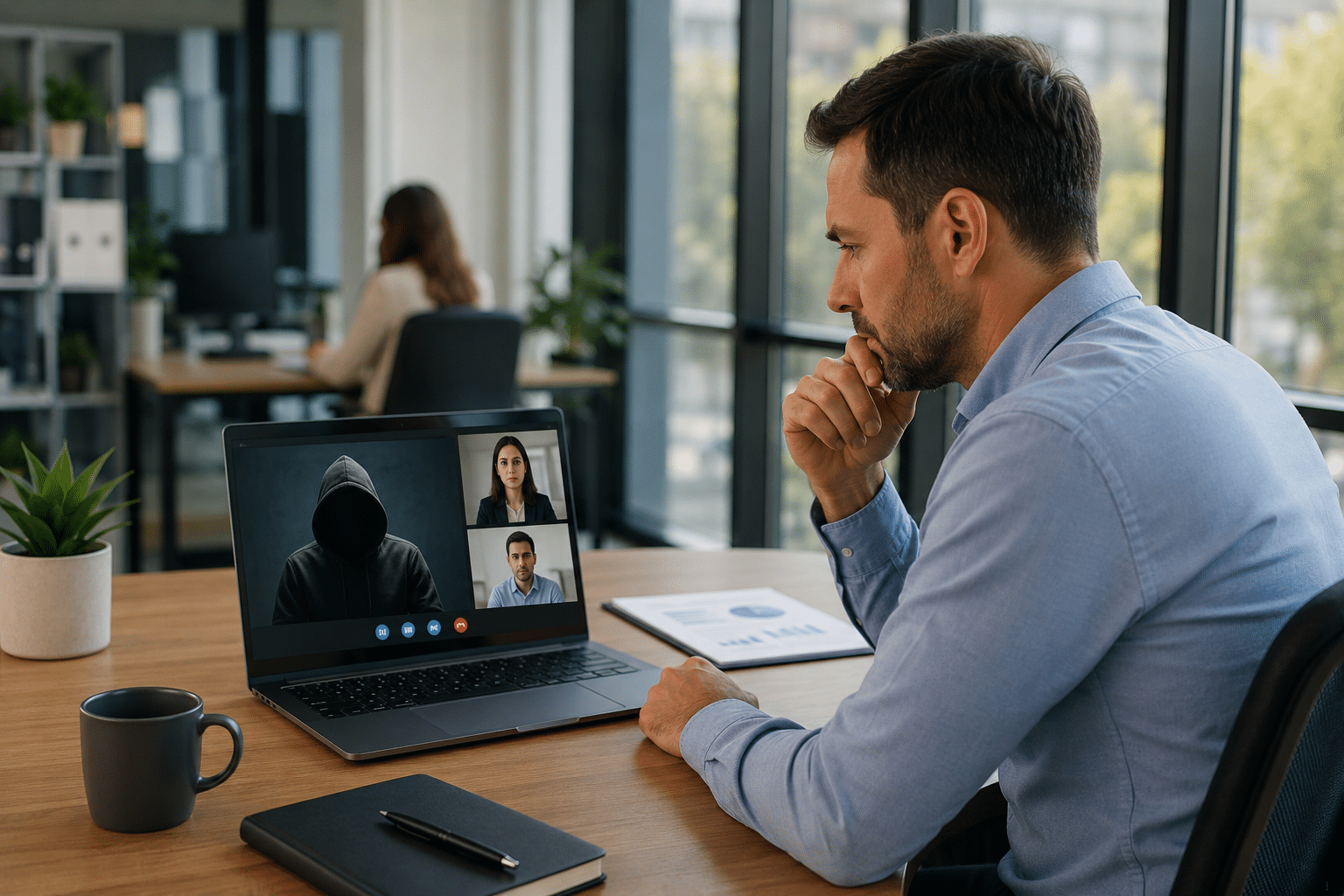
One of the most evident examples in 2026 is Microsoft Teams. Instead of sending fraudulent emails, attackers are now utilizing chat messages, voice calls, and deceptive support conversations to manipulate employees into trusting them. In some instances, they impersonate internal IT support, while in others, they employ external accounts or urgent messages to prompt users to click, approve access, or share information hastily.
Microsoft reported in March 2026 that an investigation revealed a compromise that began with repeated voice phishing calls via Microsoft Teams. In these calls, the attacker impersonated IT support and ultimately convinced a user to grant remote access.
Rapid7 reported in March 2026 that its team was observing a rise in phishing campaigns where attackers impersonated internal IT departments via Microsoft Teams. More recently, reports of Microsoft Teams abuse have linked the platform to social-engineering-driven credential theft and subsequent attacks.
This is important because Teams is perceived as a reliable work tool. When a call or message comes in during a hectic day, employees might assume it is genuine simply because it appears on a business platform they regularly use.
For a small business, a single impactful Teams call can cause significant harm.
If an attacker convinces an employee to approve remote access, share a login code, install a tool, or trust a fraudulent support request, the consequences can include account compromise, unauthorized file access, payment fraud, or business downtime. A significant security breach is not necessary for disruption to occur; even a single staff member in accounting, operations, scheduling, or customer service can become the weak link.
Smaller teams are particularly vulnerable because team members often take on multiple roles. When everyone is busy, a quick call from "support" may seem helpful rather than suspicious.
Team-based scams are effective because they evoke a sense of immediacy and personal connection.
A fake email can often be disregarded, but a live call is more difficult to ignore. Attackers understand that a voice conversation creates pressure and reduces skepticism. If they sound calm, knowledgeable, and urgent, they can lead a user to make a poor decision much more quickly than a simple phishing message.
This reflects a broader trend in cybercrime: attackers are increasingly utilizing trusted business tools and realistic work scenarios rather than relying on clumsy, obvious scams.
Small businesses shouldn't stop using Teams; instead, they need to develop better habits for using it.


 Trustindex verifies that the original source of the review is Google.
  Trustindex verifies that the original source of the review is Google.
  Trustindex verifies that the original source of the review is Google.
  Trustindex verifies that the original source of the review is Google.
  Trustindex verifies that the original source of the review is Google.
  Trustindex verifies that the original source of the review is Google.
  Trustindex verifies that the original source of the review is Google.
  Trustindex verifies that the original source of the review is Google.
  Trustindex verifies that the original source of the review is Google.
  Trustindex verifies that the original source of the review is Google.

Himala and his team at Cybernetic Networks have been amazing. We have been a customer of Cybernetic Networks for well over 14 years now, both personally and professionally. Himala and his team are professional, reachable and on the cutting edge of technology. We have enjoyed doing business with Cybernetic Networks for many years and still rely on their knowledge, skills and technology every day
Himala and his Cybernetic team have never let me down! For over 10 years now they have been fixing my technical issues, set up all my new networks and computers and have safeguarded me from any hackers or malware. You can trust this company to navigate you as your company grows and to keep you on track with the latest in security and safety
I am a solo practicing neurologist and have had all my IT needs covered through Cybernetic Networks since 2007. They are the best! All of their tech support staff is extremely knowledgeable and efficient. Just as importantly, they are quickly responsive whenever we need their assistance. I couldn’t be happier with their service and give them my highest recommendation!
I couldn't be happier with Cybernetics - they are experts, always respond quickly , and solves any issues I have.
Cybernetic Networks has been advising and supporting all our IT issues and purchases for the last 18 years. They are very responsive and extremely knowledgeable- always providing us with timely services.
It is not often you find small business companies that are not only rewarding to work with, but also have integrity, truth and skill. I have worked with this company for over 20 years, and the service is outstanding. I can easily recommend that if you need an IT company, this is the one to get. Full STOP! Look no further, you will be happy that you did. Sue Myhelic, Gulf Breeze Real Estate, Naples, Florida.
Himala and his team from Cybernetic Networks, Inc. has been an integral part of our successful retail business for the past 20 years. He is extraordinarily knowledgable and always available for our IT needs. Thanks to Himala and his team we are always up and running.

